AI-generated illustration — not a retailer product photo.
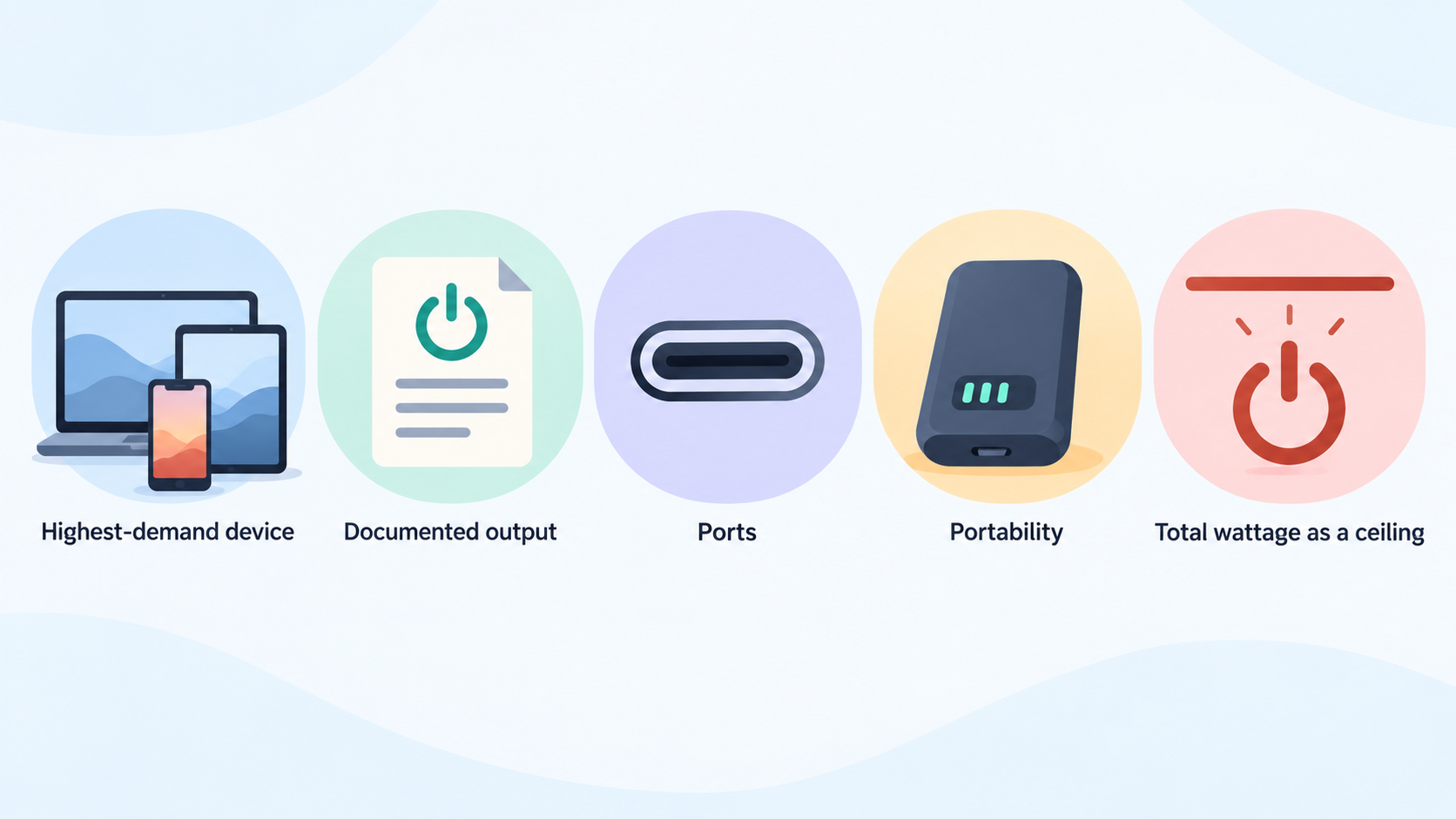
Choosing the right USB-C charger or power bank is less about finding one universal winner and more about matching documented output, ports and portability to the devices you actually carry.
The Short Answer: Match Power and Ports to Your Devices
AI-generated illustration — not a retailer product photo.
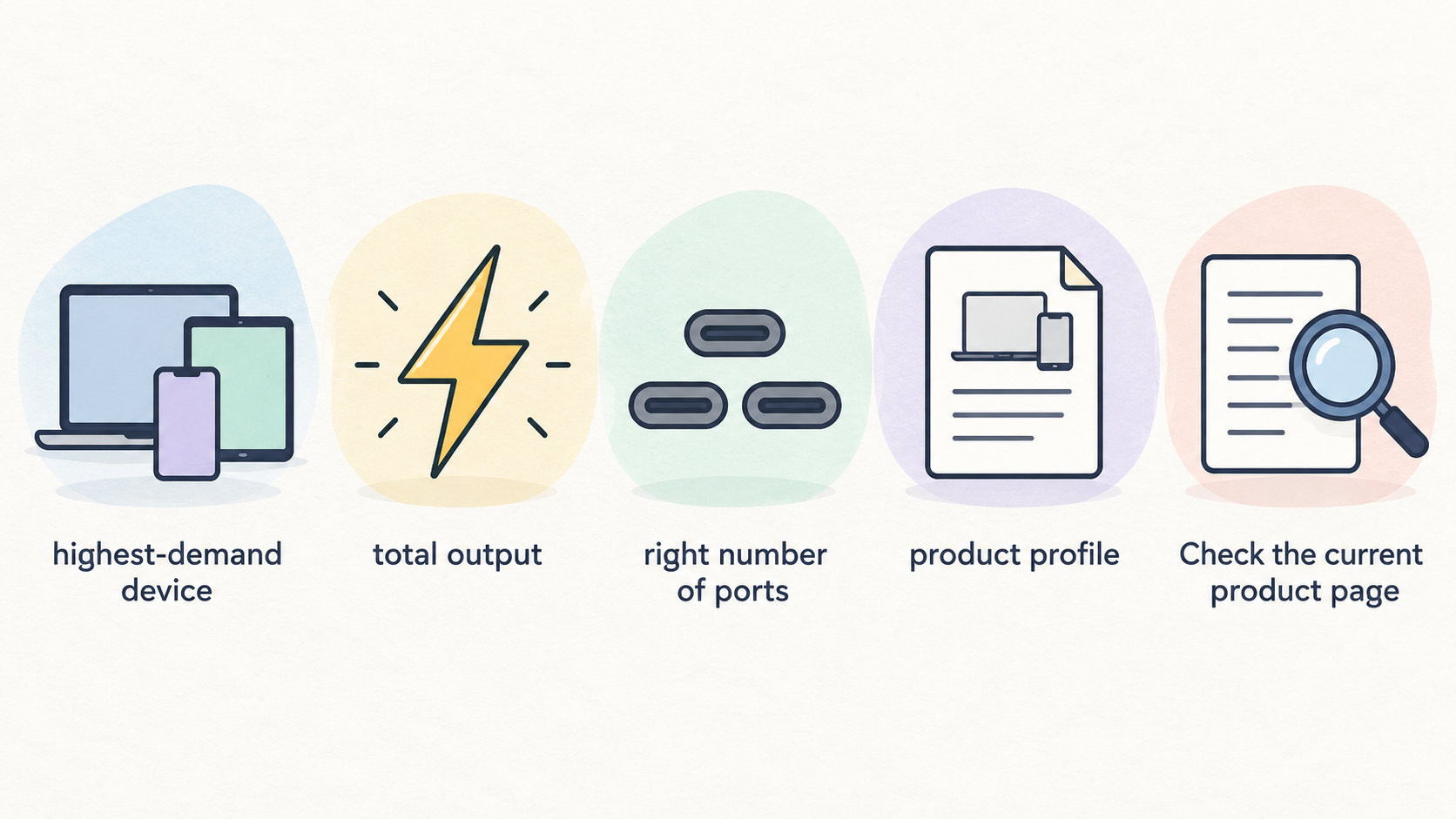
Start with your highest-demand device, then work backwards. A phone-only setup may suit a compact, lower-output charger; a laptop, tablet and phone used together needs enough total output and the right number of ports. Independent buying guidance groups chargers from low-power options through 65W-class and 100W-plus models, which is a useful way to begin narrowing the field.
For this guide, the most defensible “pick” is a product profile rather than a blanket brand winner. Check the current product page for its per-port output, multi-port power-sharing table, supported charging standards, size and warranty before buying. A high headline wattage is useful only if it remains available in the port configuration you plan to use.
Power banks add a second decision: capacity and recharge practicality. For laptop backup, confirm that the bank can supply sufficient USB-C output as well as holding enough energy for the intended trip. For daily phone backup, a smaller capacity and lighter carry weight can be the more sensible trade-off.
What This Guide Compares
AI-generated illustration — not a retailer product photo.
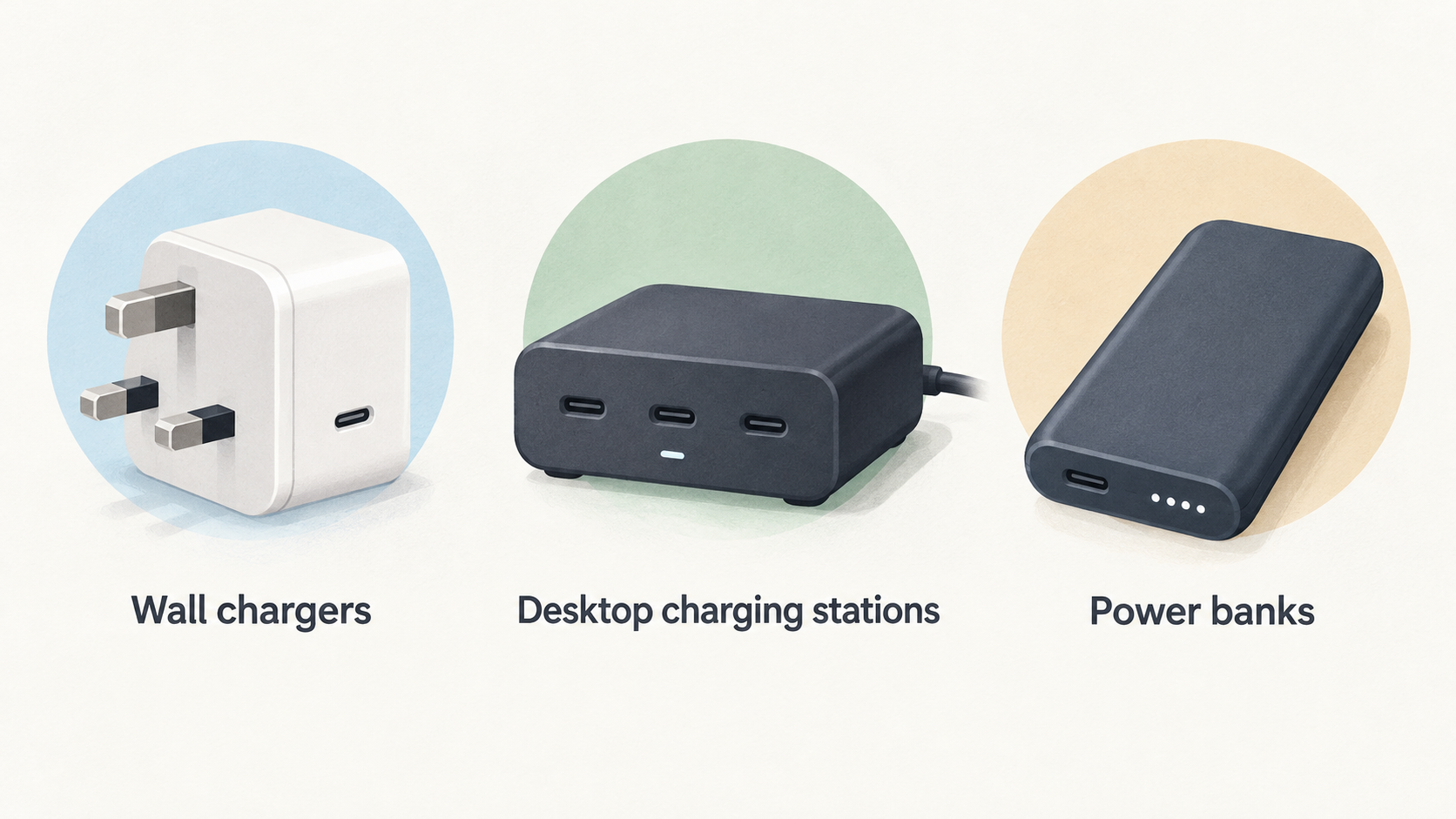
This comparison covers three related product types: wall chargers for home or travel, desktop charging stations for a fixed multi-device setup, and portable chargers or power banks for backup power away from a socket.
The published Belkin charger range includes USB-C chargers, GaN chargers, charging stations and portable chargers and power banks. Its filters also identify single, dual and three-or-more-output products, alongside features such as USB-C Power Delivery, PPS and laptop-charging compatibility. That makes it a useful example of why category, port count and protocol matter together.
Anker’s published charger range is similarly organised by wall versus desktop chargers, output bands, USB-C/USB-A port mixes and one, two-to-three or more-than-three ports. Baseus lists compact chargers alongside multi-port desktop products, including published 45W, 67W, 100W, 120W and 140W examples in its current charger collection. UGREEN’s Nexode range presents compact GaN positioning alongside high-output five- and six-port desktop chargers.
These are documented range characteristics, not a substitute for independent testing of every model. Availability, product names and specifications can change, so use them to shortlist current listings rather than as a permanent catalogue.
Documented Strengths Across the Four Brands
AI-generated illustration — not a retailer product photo.
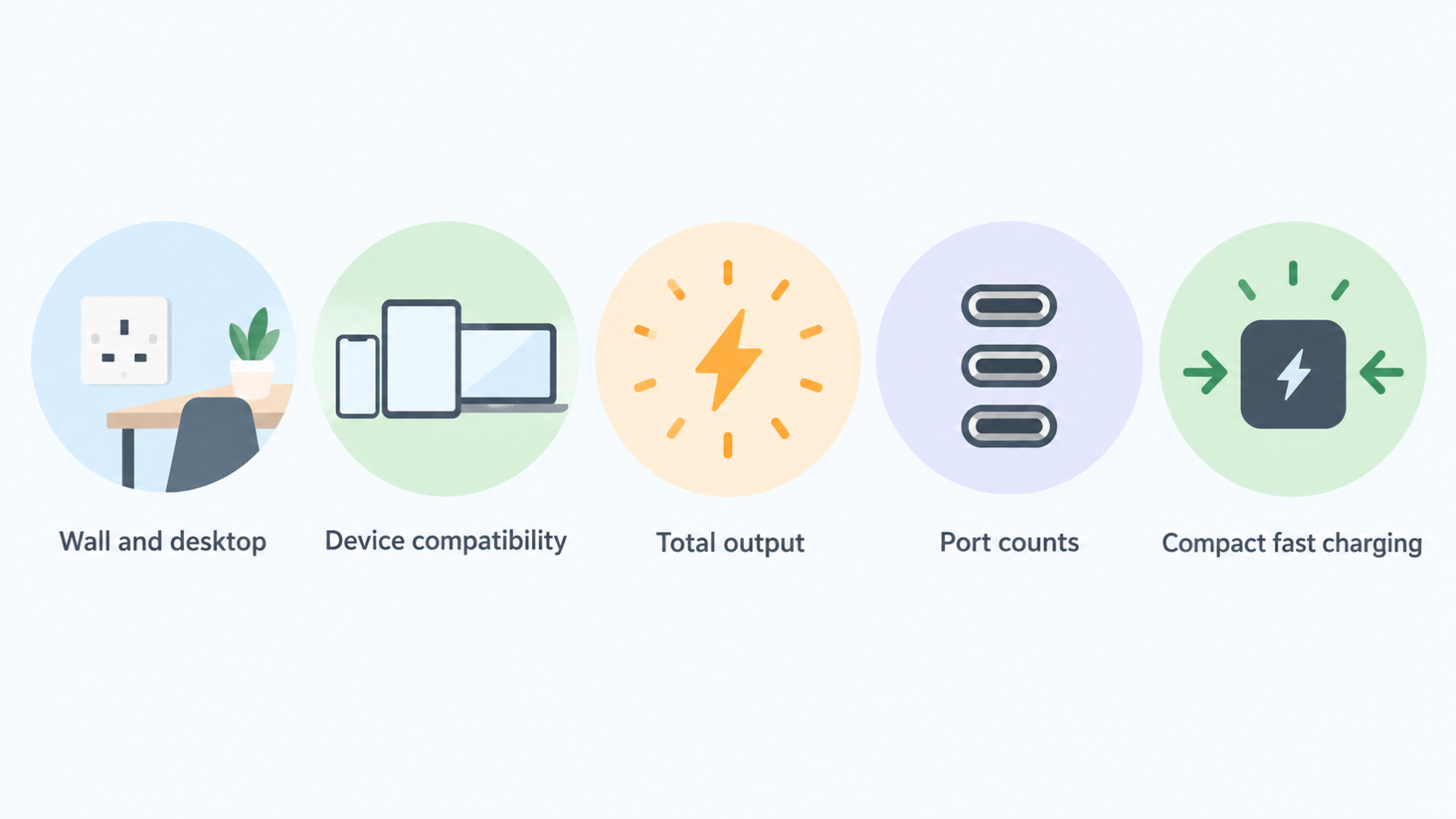
Anker is straightforward to compare when you want to filter by setup: its current range separates wall and desktop chargers, laptop and phone/tablet compatibility, total-output bands and port counts. Its collection also presents GaNPrime as a compact fast-charging range. This is useful for shoppers who know whether they need one port in a bag or several ports at a desk.
Belkin’s published filters give a broad cross-category view: USB-C and GaN chargers sit alongside charging stations and power banks, with USB-C Power Delivery and PPS among the listed charging technologies. That breadth can help when you want to keep a desk charger, travel plug and portable backup within one comparison.
Baseus currently shows a spread from compact 45W products to 100W and 140W multi-port chargers, plus desktop charging stations. Its catalogue therefore offers relevant profiles for shoppers moving from a simple phone charger to a shared desk setup; the individual product page remains the place to verify allocation rules.
UGREEN’s Nexode material highlights GaN-based size reduction and higher-output desktop options, including 300W five-port and 500W six-port chargers. Those headline figures describe the product range, not guaranteed simultaneous delivery to any particular connected-device combination.
Across all four brands, the useful documented strengths are choice of form factor, output class and port mix—not an assumption that one logo will be best for every device.
Limits and Trade-Offs to Check Before Buying
Treat total wattage as a ceiling, not a promise that every connected device receives that amount at once. Multi-port chargers commonly have a published allocation or sharing rule, so adding a second device may change what each port can supply. Check that table before relying on a charger for a laptop and other devices simultaneously.
Your device can also limit the result. A laptop that accepts less power will not necessarily benefit from a larger adapter, while a device requiring USB-C charging may not be served by a spare USB-A port. Cable capability matters too: a cable needs to support the power and USB-C charging mode required by the connected equipment.
GaN is best read as a design technology rather than a buying verdict. UGREEN describes GaN chips as enabling higher efficiency, lower heat and smaller chargers; Anker likewise positions its GaN range around compact fast charging. Those manufacturer descriptions do not independently establish temperature, reliability or charging-speed performance for a particular product in your setup.
Physical design remains a practical constraint. A high-output desktop charger may be ideal where several devices stay in one place, while a compact wall charger may be the better travel choice even if it has fewer ports. For a power bank, compare capacity, output and the weight you are willing to carry—not capacity alone.
Shortlist by Device Setup and Use Case
One phone, minimal carry
Look for a single-port or low-power USB-C wall charger from a current range that explicitly supports your phone’s charging standard. Independent buying guidance distinguishes low-power chargers up to 30W from higher-output categories, so there is little reason to buy a large multi-port desktop unit solely for one phone unless you expect your setup to grow.
Phone and tablet while travelling
Prioritise two ports, a compact body and a clearly published sharing rule. Belkin lists dual-output options and USB-C Power Delivery/PPS filters; Anker lets shoppers filter for two-to-three-port chargers and phone/tablet use. Confirm what happens when both ports are occupied, rather than assuming the printed total is available to each device.
Laptop travel with one extra device
Start with the laptop maker’s required USB-C input, then choose a charger whose current product page publishes enough output for that laptop and the extra port. Anker’s collection separates below-100W and 100W–200W charger ranges, while Baseus lists current 100W and 140W multi-port examples. A smaller option can still be right if the laptop’s accepted input is lower and you do not need simultaneous high-power charging.
A fixed desk with several devices
Desktop chargers are the natural profile to compare when several devices remain connected. Anker offers a desktop-charger category, Baseus lists a 120W four-USB-C/two-USB-A desktop station, and UGREEN highlights five- and six-port Nexode desktop chargers. Compare the number and type of ports first, then read the allocation table for the combinations you expect to use.
Portable backup power
Choose a power bank only after checking both its USB-C output and capacity against the device you want to support. Belkin’s range explicitly includes portable chargers and power banks. For a laptop, a bank marketed for phones may not provide the required output; for a phone-only day out, a lighter bank may be a better fit than the largest available capacity.
Alternatives for Smaller Budgets and Simpler Needs
If you charge one phone at a time, a compact lower-power charger is often the sensible alternative to a 100W-plus multi-port model. Tom’s Hardware’s current buying guide separates low-power, midrange and high-output charger classes, reinforcing that output should follow the device requirement rather than the biggest number on the box.
For a laptop that came with a suitable charger, keeping the bundled unit for desk use and adding a smaller travel charger can be more practical than replacing everything with one large hub. Conversely, if your devices rarely charge together, a single-purpose charger avoids paying for ports and sharing capacity you will not use.
For a shared workspace, a desktop station may replace several individual plugs, but only where its documented port mix and allocation rules cover the real devices. If not, separate chargers can be simpler and easier to position. The right alternative is the one that removes an unnecessary compromise in output, port type, size or budget.
A Practical Specification Checklist
Before ordering, open the live product page and check:
- Your phone, tablet or laptop’s USB-C charging input and supported standard.
- Total output and the per-port or multi-port sharing table.
- The number of USB-C and USB-A ports you genuinely need.
- Whether the stated compatibility, USB-C Power Delivery or PPS support applies to your device.
- Cable capability for the intended power level.
- For a power bank, USB-C output, capacity, recharge method and carry size.
- Foldable plugs, interchangeable tips or desktop form factor where travel and placement matter.
- Current warranty and return terms.
Belkin and Anker both publish range filters that make several of these checks easier, including port count, device category and output class. Baseus and UGREEN publish current high-output and multi-port examples, but always verify the specific listing: ranges, stock and technical details change.
Frequently Asked Questions
How many watts do I need for a phone, tablet or laptop?
Use the requirement of the most demanding device you intend to charge. Independent guidance distinguishes low-power chargers up to 30W, 65W-range options and 100W-plus chargers, but the correct choice depends on your device’s accepted USB-C input and whether other devices will charge at the same time. Check the manufacturer’s current device and charger documentation before buying.
Does a 100W or 140W charger always deliver that power to every connected device?
No. The figure may be the charger’s total rated output. When multiple ports are in use, the available power can be shared according to a published allocation rule. Baseus lists 100W and 140W multi-port products, and UGREEN highlights high-output multi-port desktop units, but the relevant question is what the selected model documents for your exact port combination.
Are GaN chargers safe for everyday travel and laptop charging?
GaN is a charger-design technology commonly used to make compact, higher-output products. UGREEN describes its GaN technology in terms of efficiency, heat reduction and smaller size, while Anker markets a compact GaN charger range. For a purchase decision, confirm the individual charger’s stated device compatibility, output and warranty; this guide does not make an independent safety or durability finding.
What should I check before using a power bank with a laptop?
Check the laptop’s USB-C charging requirement, the power bank’s USB-C output, its capacity and the cable you will use. Also consider whether the bank is intended as emergency backup or as a full-day power source, because that changes the capacity and weight trade-off. Belkin’s range includes portable chargers and power banks, but suitability still depends on the particular bank’s published output and your laptop’s requirements.
Sources
Related reading
- Anker vs UGREEN chargers and power banks: ports, power and portability compared
- Anker chargers and power banks review: strengths, limits and alternatives
- How to choose a USB-C charger or power bank for your devices
- USB-C chargers and power banks explained: wattage, ports, capacity and charging protocols
Editorial information: About our editorial team · Read our editorial policy · Read our affiliate disclosure.