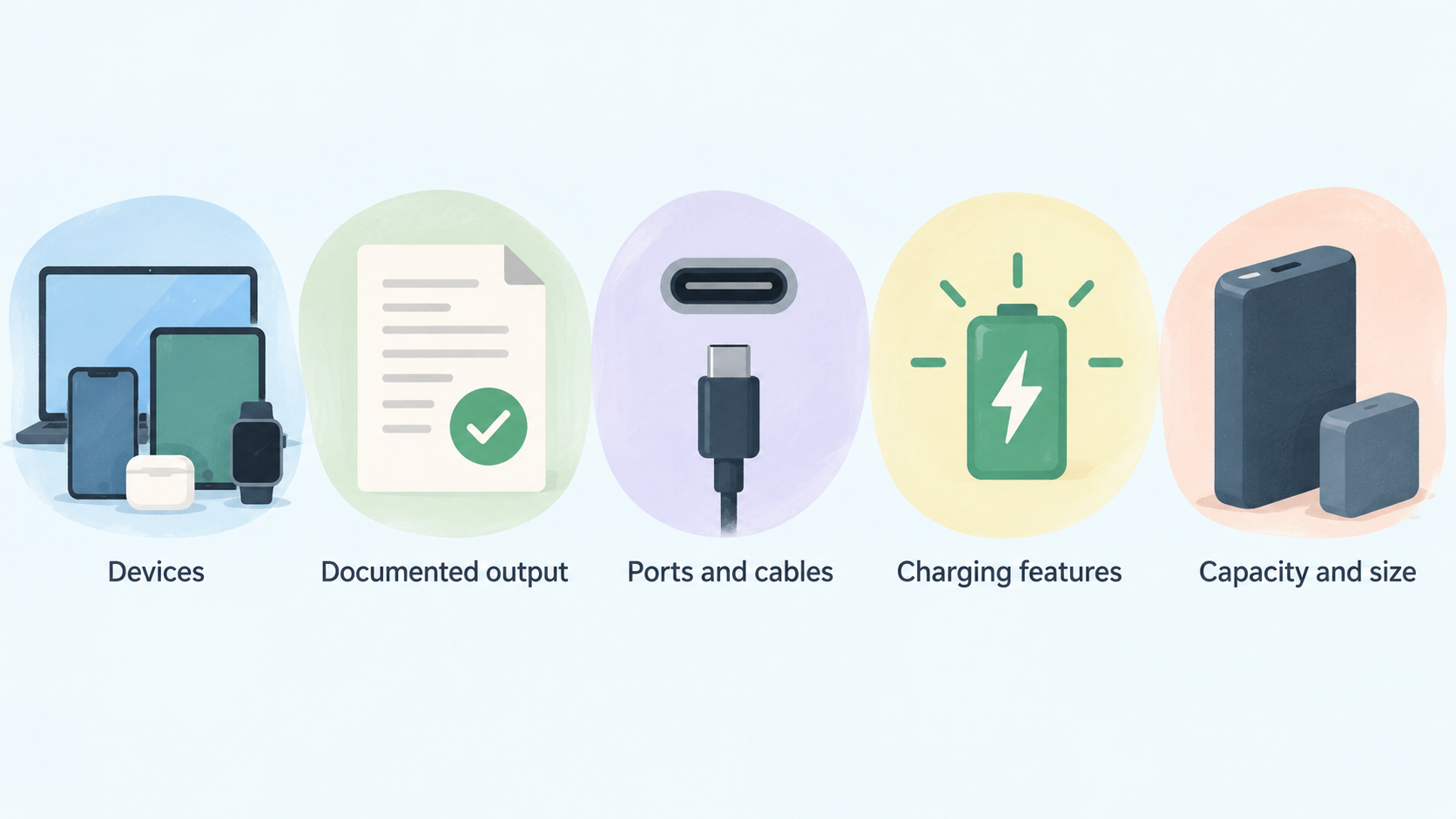
AI-generated illustration — not a retailer product photo.
The best charging setup is rarely the one with the largest number on the box. It is the one whose documented output, ports, cable support, charging features, capacity and size suit the devices you use and the places you use them. Start with specifications, then narrow the field around your daily routine.
Start With Your Devices and Charging Routine
AI-generated illustration — not a retailer product photo.
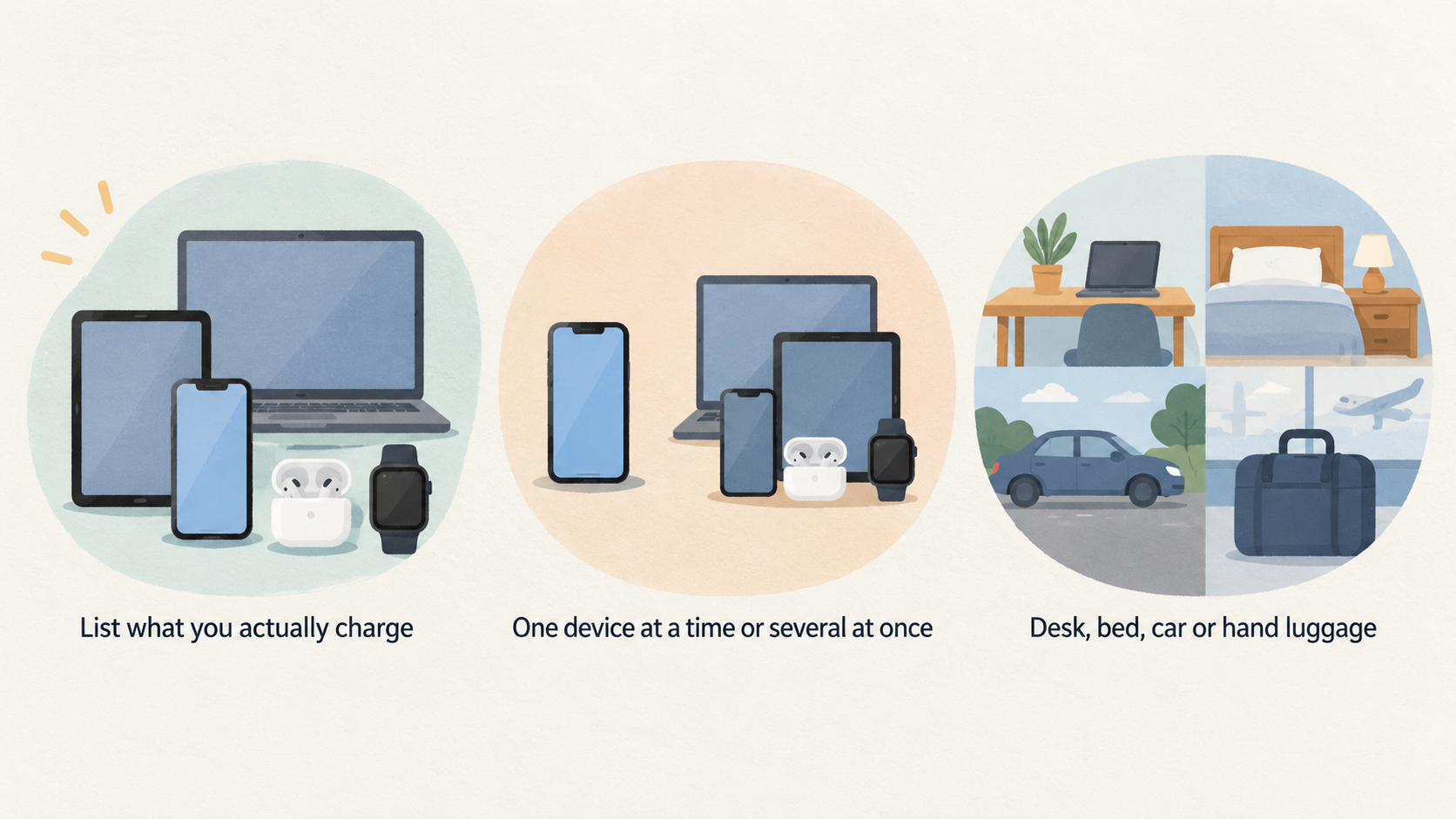
Before comparing chargers or power banks, make a short list of what you actually charge. Include your phone, tablet, laptop, earbuds, watch and any other accessories that regularly share the same socket or travel bag. Note whether you normally charge one device at a time or several at once, and whether the setup will live at a desk, beside the bed, in a car or in hand luggage.
Manufacturer ranges are already organised around these distinctions. Belkin’s charger catalogue separates USB-C chargers, GaN chargers, charging stations and portable chargers or power banks, while also listing single, dual and three-or-more output options. Anker similarly separates chargers by total output, device compatibility, port type, charging format and port count. Those filters are useful prompts for your own shortlist.
Use this guide as a specification-led buying process rather than a substitute for the documentation of a particular model. Product pages, compatibility notes, included-cable details and warranty terms should decide the final purchase.
Match Charger Wattage to the Devices You Charge
AI-generated illustration — not a retailer product photo.
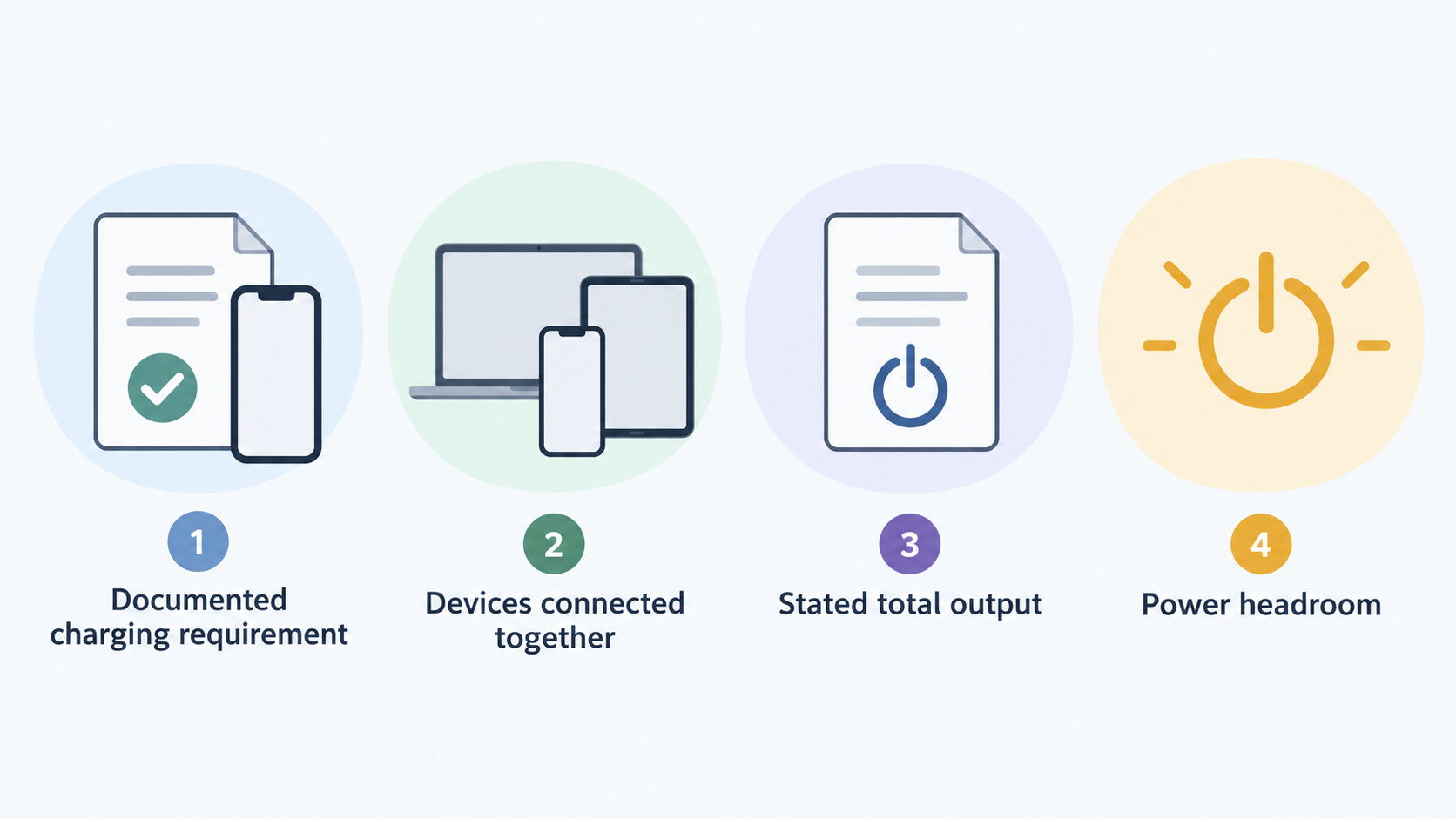
Begin with the documented charging requirement for each device, then choose a charger whose stated total output fits the way you charge. A phone-only setup has a different brief from a laptop, tablet and phone sharing one charger. Do not select a charger solely because its headline wattage is the highest available; first decide which devices will be connected together and how much power headroom you want for that routine.
Anker’s charger range groups total output into below 100W, 100W–200W and above 200W, and identifies options for laptops, phones and tablets, and multi-device use. That makes a practical comparison sequence:
- For one everyday device, prioritise the output and port type documented for that device.
- For a laptop plus smaller accessories, compare the charger’s total output with its stated multi-device use and port configuration.
- For a desk setup with several devices, consider a desktop charger and verify its published per-port or shared-output information before relying on it as a replacement for several adapters.
GaN is also a design consideration, not a stand-alone speed promise. UGREEN describes its GaN technology as enabling higher efficiency, reduced heat and smaller charger designs; Anker presents GaNPrime chargers as a compact charger category. Treat that as a reason to compare size and format alongside the published electrical specifications, rather than as proof that every GaN charger will suit every device.
Choose Ports and Cables for Single-Device or Shared Charging
AI-generated illustration — not a retailer product photo.
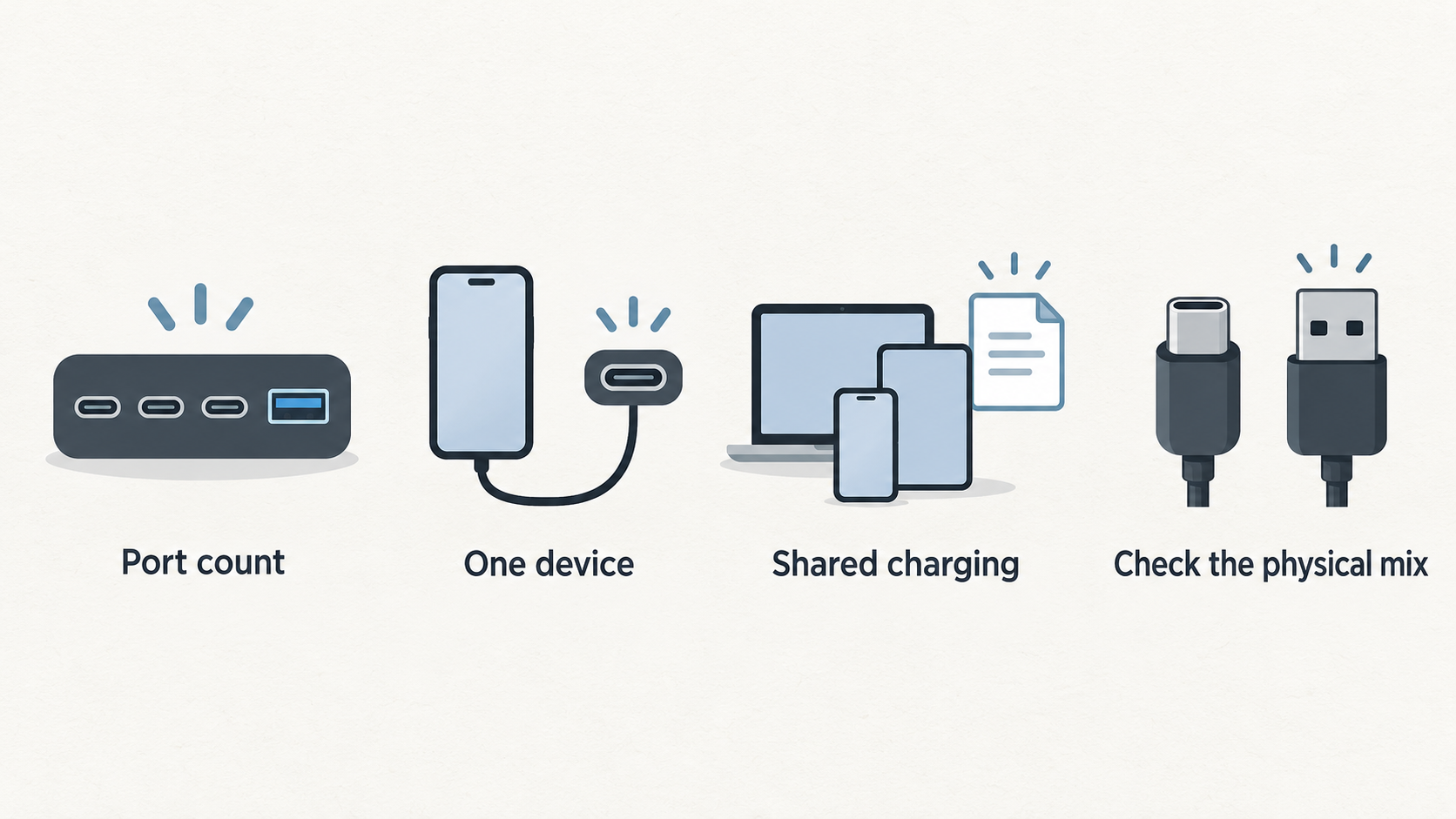
Port count changes convenience, but it also changes what you need to verify. A single-port charger may be a tidy choice for one device. A two-, three- or higher-port charger can simplify a desk or travel kit, provided its documentation explains how it performs when more than one device is connected.
Check the physical mix first. Anker lets shoppers filter by USB-C, USB-A or a combination of both, while Belkin lists chargers with single, dual and three-or-more outputs. If you still use a USB-A accessory cable, a USB-C-only charger may require a different cable or a second charger. If your laptop uses USB-C, confirm that the relevant port and cable are both documented for the intended use.
Then read the shared-charging details on the exact product page. A charger’s total output is not the same thing as an assumption that every port delivers the same result at the same time. Product documentation should show whether output is allocated by port, by a stated combination of ports or by the connected devices. Keep cable capability in the same check: UGREEN’s Nexode range includes a 100W USB-C to USB-C cable, illustrating why a charger and cable should be evaluated as a pair for higher-output laptop use.
Check Charging Protocols and Compatibility Before Buying
Wattage describes available output, but compatibility still depends on the charging features the product and device support. Read the official documentation for your phone, tablet, laptop or wireless accessory, then compare it with the charger or power bank specification.
Belkin’s charger catalogue identifies USB Power Delivery, USB-C Power Delivery and Programmable Power Supply (PPS) as charging-technology filters. It also lists fast wireless charging among product features. These labels can help you find candidates, but they should not be treated as interchangeable promises of a particular charge time or result on every device.
For each shortlisted product, check four points:
- The supported charging protocol or feature listed for the device.
- The charger or power bank’s documented port and output details.
- Whether the cable needed for the intended device and output is included or must be bought separately.
- Any product-specific compatibility, regional-plug, wireless-accessory or warranty notes.
This approach is especially useful when moving between phones, tablets and laptops. It keeps the decision anchored to the published specifications on both sides of the connection instead of relying on a broad label such as “fast charging”.
Size a Power Bank for Your Daily Carry and Travel Needs
Choose a power bank as a balance of capacity, output, form factor and the devices you expect it to support. Capacity is useful for comparing categories, but it is not a universal promise of a fixed number of recharges. Your device, charging method, connected accessories and the power bank’s own documented behaviour all matter.
Baseus separates its power-bank range into up to 10,000mAh and 11,000–20,000mAh capacity bands, plus below-50W and 50–100W charging-speed bands. The collection also shows different approaches within those bands: compact 5,000mAh and 10,000mAh magnetic models, models with built-in or retractable cables, and 20,000mAh options with higher stated output.
For daily carry, compare compact capacity bands, the weight and shape you are willing to carry, and whether magnetic charging, a stand or an integrated cable would reduce friction. For travel, decide whether you need a larger capacity band, several outputs or a higher documented output for a particular device. For laptop backup, start with the laptop’s own documentation, then verify the power bank’s listed output, port arrangement and cable requirements rather than assuming that a larger mAh figure alone makes it suitable.
Use a Final Buying Checklist to Narrow Your Options
Use your normal situation to make the final choice:
- Home desk: compare a desktop or multi-port charger with the devices that will be connected together, plus the cables needed for each port.
- Travel: prioritise a compact wall charger, the plug format you need, enough ports for your usual devices and a power bank sized for your expected time away from mains power.
- Phone-focused carry: compare a smaller power bank by capacity band, charging method, form factor and whether a built-in cable or magnetic format suits your phone.
- Laptop plus accessories: verify the laptop’s documented needs, the charger or power bank’s stated output, its shared-output information and the cable specification.
Before ordering, revisit the official product page for the exact model and variant. Confirm what is included in the box, the stated compatibility and outputs, the relevant warranty terms and any limitations that matter to your setup. This last check is more useful than relying on product-family names or a retailer’s abbreviated specification list.
Frequently Asked Questions
Can I use a higher-watt USB-C charger with a lower-power phone or tablet?
Check the phone or tablet documentation alongside the exact charger specification. A higher headline output can make a charger a candidate for a mixed-device setup, but it does not replace the need to confirm the supported port, protocol and compatibility information. Belkin’s catalogue distinguishes USB Power Delivery and PPS among its charger features, so use the product documentation to see whether those details apply to the specific device and model you are considering.
Does a USB-C cable affect charging speed and laptop compatibility?
It can be an important part of the documented setup. Check the cable’s stated capability as well as the charger port and the laptop’s requirements. UGREEN lists a 100W USB-C to USB-C cable within its Nexode range, while its charger range includes higher-output multi-port products. That is a useful reminder to verify the cable rather than treating every USB-C cable as the same for a higher-output use case.
How many ports should a travel charger have?
Choose the number around the devices you genuinely charge at the same time. Anker’s range includes one-port, two-to-three-port and more-than-three-port filters, as well as wall and desktop charger formats. A phone and tablet traveller may value a smaller arrangement; someone carrying a laptop and accessories should compare the published shared-output details, cable needs and physical size before adding more ports.
Is a 10,000mAh power bank enough for a laptop?
Do not decide from capacity alone. Baseus lists 10,000mAh products in several formats and output levels, including models with stated 27W or 45W output, while its range also contains higher-capacity, higher-output products. Start with the laptop’s official charging requirements, then compare the exact power bank’s documented output, ports and cable arrangement. If those details do not support your laptop use case, choose a different category rather than relying on the mAh label.
Sources
Related reading
- Best USB-C chargers and power banks: evidence-led picks for phones, tablets and laptops
- Anker vs UGREEN chargers and power banks: ports, power and portability compared
- UGREEN chargers and power banks review: who they suit and who should skip them
- USB-C chargers and power banks explained: wattage, ports, capacity and charging protocols
Editorial information: About our editorial team · Read our editorial policy · Read our affiliate disclosure.