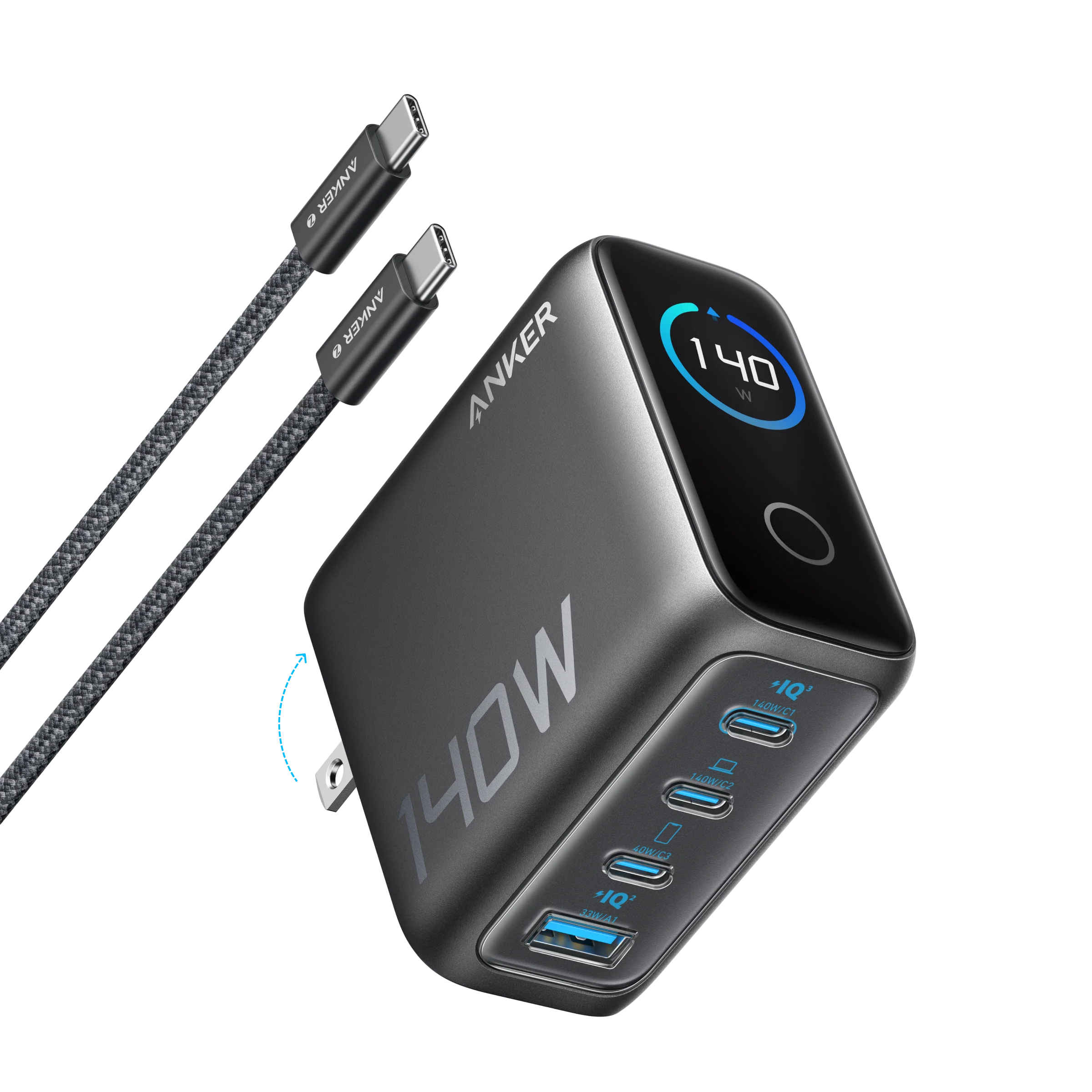
Anker’s catalogue spans USB-C wall chargers, desktop charging options and portable power banks. This review assesses the range through manufacturer information and selected independent editorial coverage; it does not represent hands-on testing by this site.
Verdict: a broad, practical USB-C charging range with model-selection caveats
AI-generated illustration — not a retailer product photo.
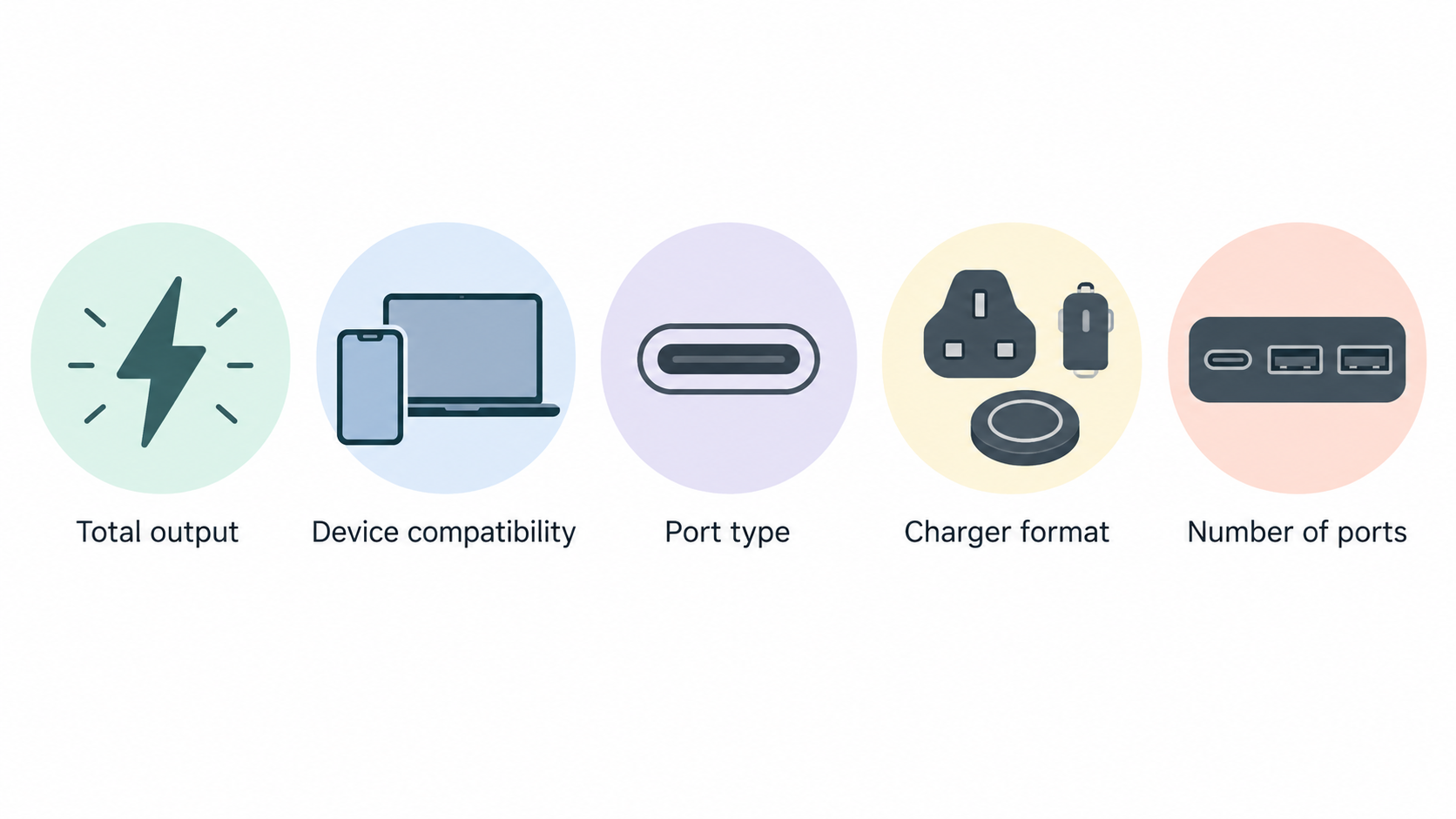
Anker is a sensible shortlist for shoppers who want USB-C charging gear across several use cases. Its official range is organised around total output, device compatibility, port type, charger format and number of ports, while its power-bank range can also be filtered by capacity, charging speed and features. That makes it possible to start with a need—such as a phone-only travel charger, a shared family charger or portable laptop power—rather than with a logo alone.
The caveat is equally important: the catalogue is broad enough that “Anker charger” is not a meaningful specification. A 67W three-port wall charger, a higher-output desktop charger and a magnetic power bank solve different problems. Independent editorial coverage of individual Anker products can be useful context, but it should not be treated as a verdict on every model in the range. Check the product page for the output available with your actual port combination, the ports and cable included, and the dimensions before buying.
For buyers prepared to do that comparison, the range offers practical choice rather than a one-size-fits-all recommendation.
What Anker’s USB-C charger and power-bank range covers
AI-generated illustration — not a retailer product photo.
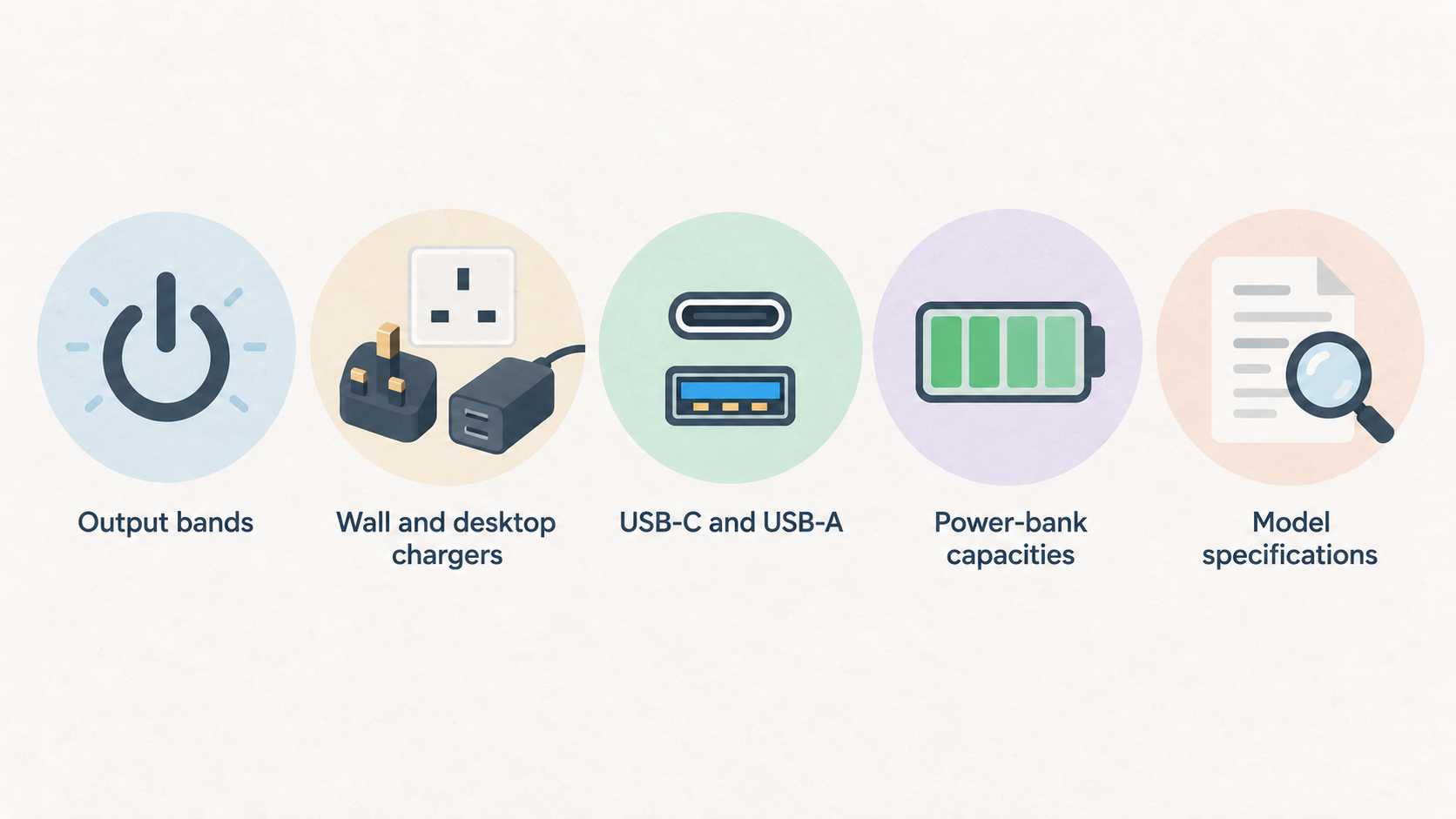
Anker’s charger collection documents filters for output bands below 100W, from 100W to 200W, and above 200W. It also distinguishes wall and desktop chargers, USB-C, USB-A and mixed USB-C/USB-A ports, single-port through multi-port designs, and stated compatibility categories for laptops, phones, tablets and multi-device use. Those labels give shoppers a useful first pass, but they are filters rather than a substitute for reading a model’s specifications.
The power-bank collection is similarly varied. It separates capacities under 10,000mAh, 10,000–21,000mAh and over 21,000mAh; lists phone, tablet, laptop and multi-device categories; and includes filters for USB-C, USB-A and mixed port configurations. Documented features include PD, pocket-size options, magnetic charging, built-in cables, Fusion products and smart displays.
The practical distinction is simple. Wall and desktop chargers are for access to mains power, whereas power banks store energy for use away from a socket. Within both families, total output, port mix, physical size and intended device matter more than the brand name. A compact charger can be appealing for everyday carry, while a higher-output or desktop format may make more sense where several devices need charging at once.
Strengths: useful choice across wattage, ports and portable-power formats
AI-generated illustration — not a retailer product photo.
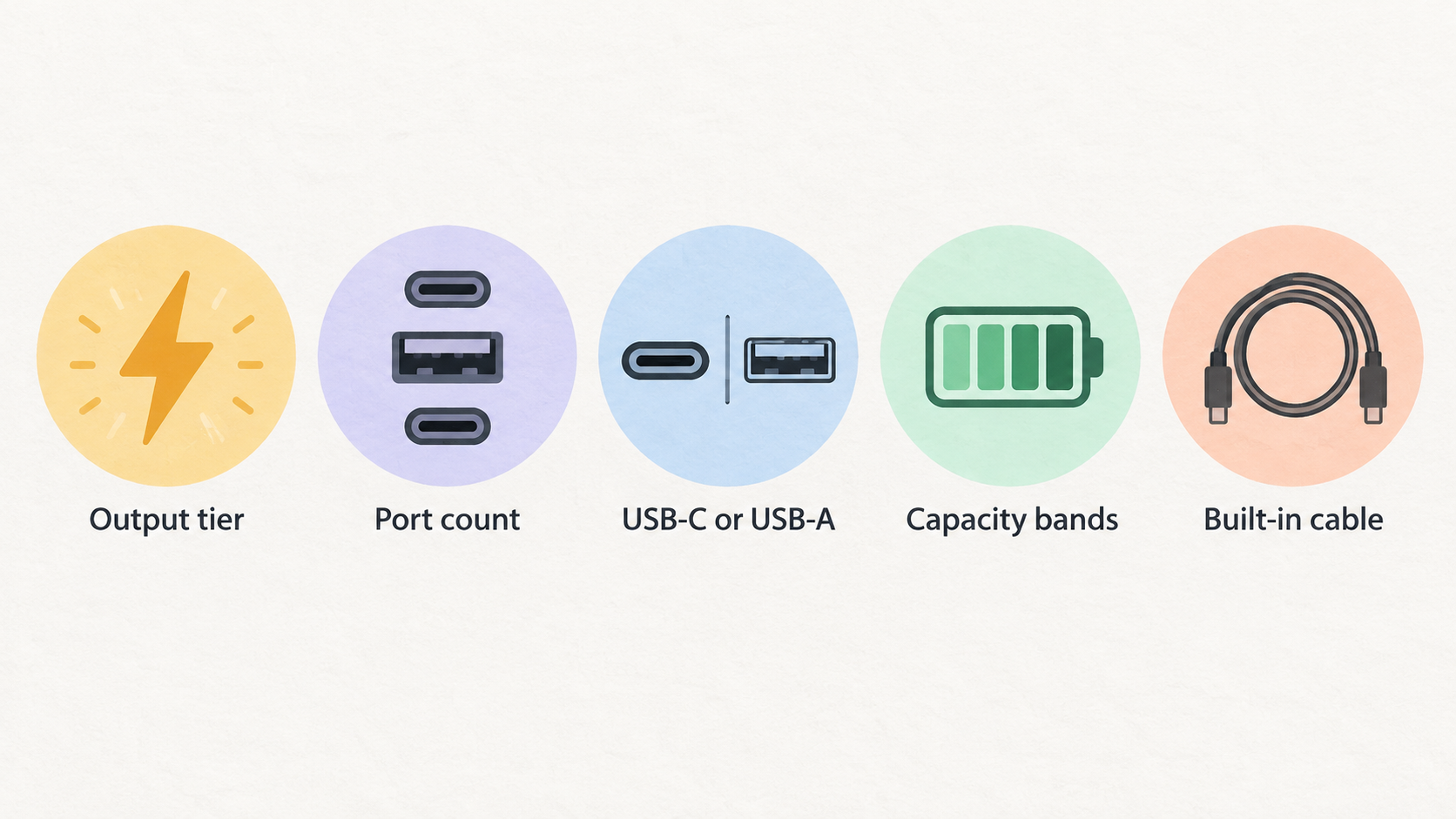
The strongest case for considering Anker is the documented breadth of its charging formats. The official charger range includes compact GaN wall chargers alongside desktop chargers, with filters that let a buyer narrow by output tier, port count and USB-C or USB-A requirements. That is helpful when moving from a simple question—“what will charge my phone?”—to a more specific one about a laptop, tablet and accessories sharing one power source.
For portable power, the catalogue offers a similar choice of capacity bands and features. Buyers can compare smaller power banks with larger-capacity options, or prioritise a magnetic format, a built-in cable, a specified PD feature or a particular port arrangement. The collection also documents smart displays in its portable-power proposition. These are convenience and selection features, not a guarantee that every model will suit every device.
Independent editorial coverage adds limited but useful context. TechRadar’s review of the Anker 335 Charger (67W) described that specific model as a good-value tri-port option, noting two USB-C ports, one USB-A port, foldable prongs and an included USB-C to USB-C cable. Its review also noted a constraint: 67W total output may not be enough for every buyer. That is a helpful example of why port count and included accessories can matter alongside headline wattage, without establishing the same result for the entire Anker catalogue.
The range is therefore best viewed as a set of configurable choices. Start with the devices you need to power, then use the documented filters to find the charger or power bank whose outputs, ports and physical format fit that job.
Limitations: specifications and real-world fit vary substantially by model
A headline wattage should not be read as an automatic promise for every connected device. On a multi-port charger, the total stated output is shared across connected devices, so shoppers should check the individual product page for its port-allocation information. A charger that is adequate for one laptop may not be the right fit for a laptop plus tablet, phone and accessories at the same time.
Physical trade-offs also vary. Wall chargers can differ in size, weight, plug design, port layout and supplied cable; desktop chargers may suit a fixed desk better than a travel bag. Check the exact model’s compatibility information, supported charging protocols, cable inclusion, warranty and returns terms rather than assuming these are consistent across the range.
Power-bank capacity needs the same care. The stated mAh figure is a nominal capacity specification, not a universal prediction of how many full charges every phone, tablet or laptop will receive. Device battery size, charging losses, power demand and usage conditions affect the outcome. Compare capacity against the size and weight you are willing to carry, then check the bank’s output and ports for the devices you intend to use.
Finally, independent praise for one product is model-specific. The reviewed 67W Anker 335 may be a useful comparison point, but it does not prove identical performance, value or portability across Anker’s higher-output chargers or power-bank range.
How to choose the right Anker charger or power bank
For a low-demand setup, begin with the device rather than the largest number on the box. A single phone, earbuds or small tablet may only need a compact single-port charger, provided its stated output and protocol support match the device. If you regularly charge two or three devices from one socket, look for a multi-port model and verify how its total output is allocated when several ports are active.
For a laptop, check the laptop maker’s charging requirement first. Then compare it with the charger’s stated total output, USB-C capability and multi-port allocation. A higher-output charger or a desktop format may be preferable when the laptop must share power with accessories; a smaller wall charger may be the better travel choice when portability matters more than simultaneous charging.
For power banks, choose a capacity band around the time you expect to be away from mains power. Smaller options can favour a lighter bag, while larger capacities can make more sense for longer trips or more demanding devices. Magnetic charging, built-in cables and smart displays can be useful deciding features, but they should follow—not replace—checks of output, port type and device compatibility.
Before placing an order, use this checklist:
- Confirm the stated wattage for your device and, for multi-port chargers, the active-port allocation.
- Check USB-C, USB-A or mixed-port needs and any relevant charging-protocol support.
- Verify whether a cable is included and whether its length and connector suit your setup.
- Compare dimensions, weight and charger format with where you will use it.
- For a power bank, balance nominal capacity against portability and confirm its output for the device.
- Read the product-specific warranty and returns terms.
These checks are more reliable than choosing by capacity, port count or brand recognition in isolation.
Alternatives: compare charging format and requirements before comparing logos
Anker will not be the best format for every setup. If you only charge one small device and value the smallest possible carry, compare compact single-port USB-C wall chargers. If several devices stay on one desk, compare desktop and multi-port chargers by port allocation, total output and cable-management needs. If a laptop is central to the setup, compare chargers against that laptop’s documented USB-C charging requirement before narrowing by brand.
For portable power, compare the format first: a slim magnetic bank may suit occasional phone top-ups, while a larger wired USB-C bank may be more appropriate for extended travel or a higher-demand device. A built-in cable may reduce what you need to carry, but a separate cable can be easier to replace or use across more devices.
Independent coverage can help identify a particular product worth examining, such as the reviewed Anker 335 Charger (67W), but it should sit beside the product specification rather than replace it. Compare equivalent products on output, port sharing, capacity, dimensions, included accessories, warranty and returns terms. That approach produces a defensible shortlist whether you stay within Anker’s range or compare alternatives from other brands.
Frequently Asked Questions
Can an Anker USB-C charger charge my laptop?
It can if the specific charger’s stated USB-C output and charging support meet your laptop’s requirements. Check the laptop maker’s required wattage, then check the charger’s total output and its port-allocation information if other devices will be connected. A charger with several ports may provide less power to a laptop when those ports are in use together.
Is a higher-capacity Anker power bank always the better choice?
No. A higher nominal mAh figure can be useful for longer time away from mains power or for more demanding devices, but it usually needs to be weighed against size and weight. Also check the power bank’s stated output, port type and compatible features. The best choice is the capacity and format you will actually carry and can use with your devices.
Can I charge several devices from one Anker wall charger?
Many chargers in the collection are documented as having two to three ports or more than three ports. Whether one model fits your setup depends on its total output and how that output is allocated across active ports. Check the individual product page before assuming that every connected device can charge at its preferred rate.
Was this Anker review based on hands-on testing?
No. This review is based on supplied manufacturer information about the charger and power-bank ranges, plus selected independent editorial coverage. TechRadar’s reported hands-on assessment of the Anker 335 Charger (67W) is useful context for that model only; this site is not claiming its own hands-on testing of the range.
Compare your device requirements before choosing a charger or power bank.
Sources
Related reading
- Best USB-C chargers and power banks: evidence-led picks for phones, tablets and laptops
- Anker vs UGREEN chargers and power banks: ports, power and portability compared
- UGREEN chargers and power banks review: who they suit and who should skip them
- USB-C chargers and power banks explained: wattage, ports, capacity and charging protocols
Editorial information: About our editorial team · Read our editorial policy · Read our affiliate disclosure.