AI-generated illustration — not a retailer product photo.
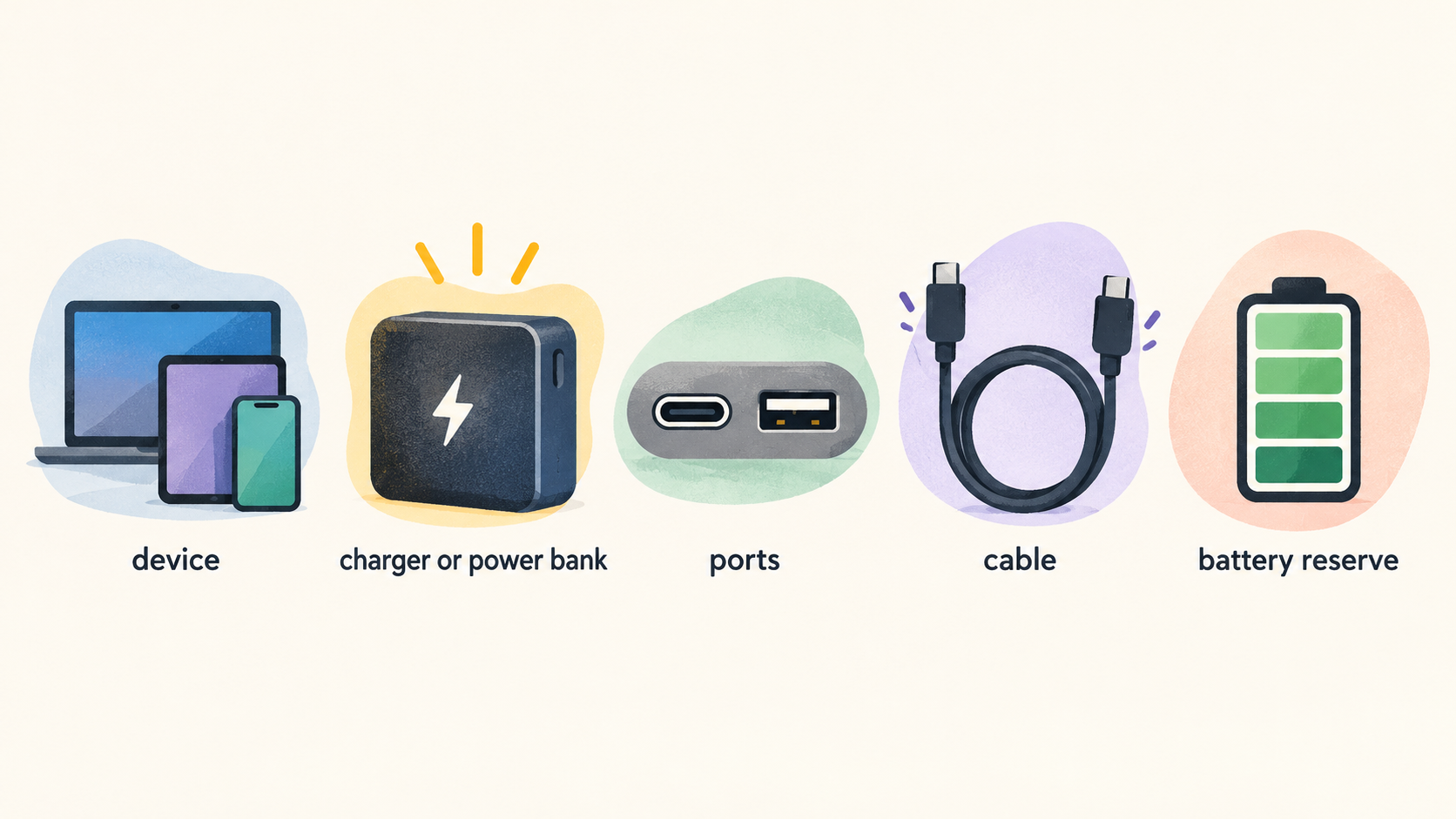
A USB-C charging purchase is rarely about finding the largest number on a box. A useful setup matches the power your devices can use, the way you charge them together, the cables you already own and the amount of space or battery reserve your routine requires.
How USB-C Charging Choices Work
AI-generated illustration — not a retailer product photo.
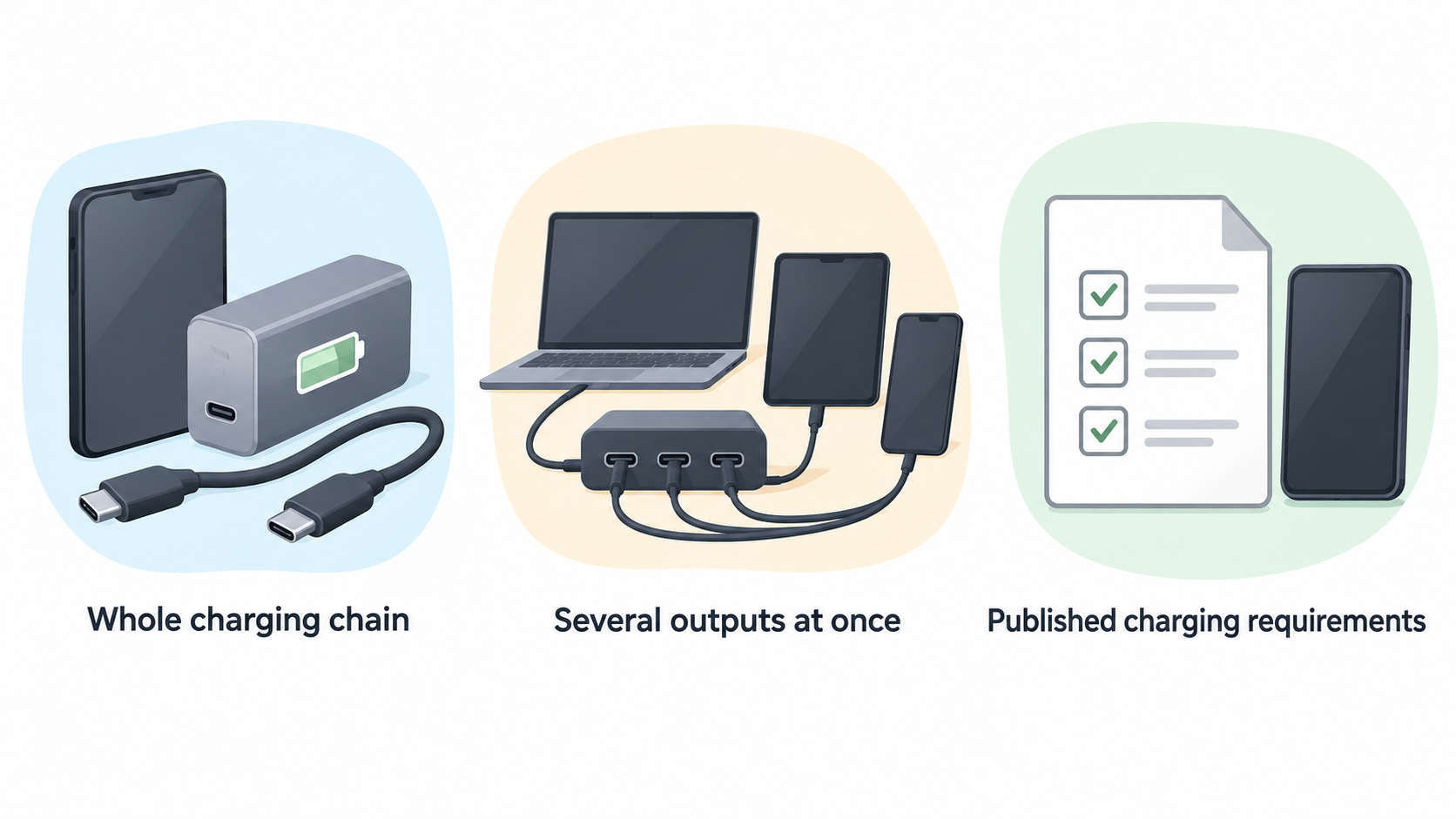
Start with the whole charging chain: device, charger or power bank, ports and cable. A phone carried on its own has different priorities from a laptop, while a desk setup may need several outputs at once. The right comparison therefore begins with your own devices and their published charging requirements, rather than a single advertised maximum wattage.
Manufacturer ranges illustrate how broad the category can be. UGREEN’s Nexode range includes compact charging products alongside high-output multi-port desktop chargers, while Anker groups its power banks by capacity, device compatibility, port type, charging speed and number of ports. Those filters are useful reminders that “USB-C” describes a connector ecosystem, not one uniform charging experience.
Before comparing products, list what you will charge, whether devices are usually connected together, where you use the setup and which cable connections you need. Then check the product page and your device documentation for the stated compatibility, port layout, output information, included cable and warranty terms.
Match Wattage to Your Devices
AI-generated illustration — not a retailer product photo.
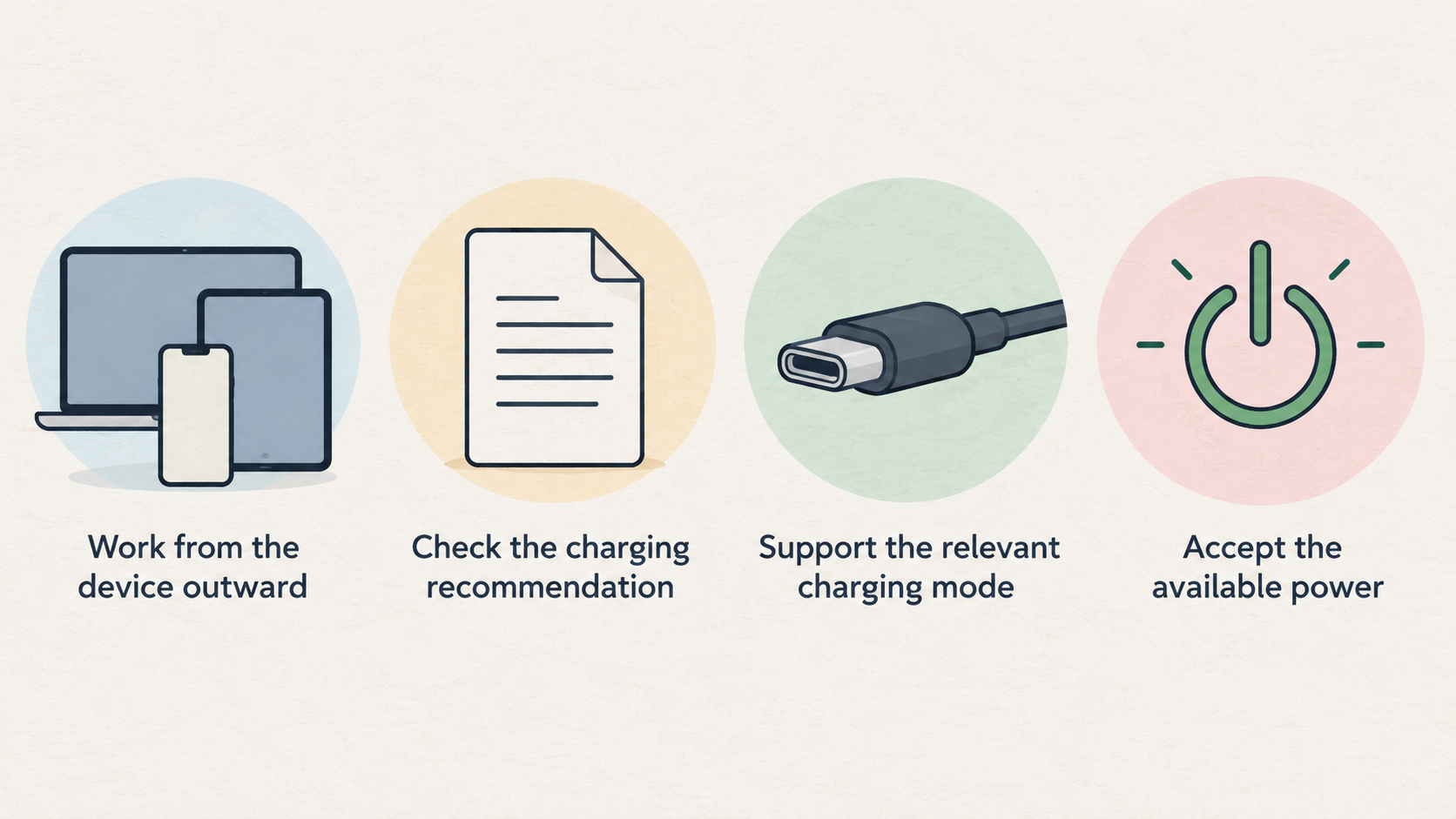
Wattage is the charger’s available power rating, but it should be treated as a starting point rather than an automatic charging-speed promise. Your connected device needs to support the relevant charging mode and be able to accept the available power. A higher maximum figure can be valuable when you need to charge a more demanding device, or when a single charger must cover several kinds of equipment, but it is not a reason by itself to buy the highest-rated model.
Work from the device outward. Check the charging recommendation or supported input in the manufacturer documentation for your phone, tablet or laptop. Choose a charger whose published output is appropriate for that requirement, then allow sensible headroom if you expect to add another device or replace the device later. This approach is more useful than treating every USB-C device as though it needs the same charger.
For example, manufacturers market GaN chargers across single-, dual- and three-or-more-output configurations, as well as laptop-compatible and multi-port options. UGREEN also presents multi-port chargers at considerably higher total-output levels than a small everyday charger. The practical conclusion is not that every shopper needs a high-output desktop unit; it is that the rating should fit the job.
If you mainly charge one small device, compact size, plug shape and one well-specified USB-C port may matter more than surplus output. If a laptop is part of the routine, verify the laptop’s stated charging requirement and the charger’s per-port output. For a shared household or work desk, total capacity alone is insufficient: the port allocation is equally important.
Understand Ports and Power Sharing
A multi-port charger can reduce clutter, but its headline total output is not necessarily available from every port at the same time. When several devices are connected, the charger has to allocate its available output among them. The resulting behaviour depends on the charger’s design, which ports are occupied and the connected devices.
This is why port count deserves more attention than a simple tally. Check whether the ports are USB-C, USB-A or a mixture; decide which connections your current cables require; and look for the manufacturer’s published port-allocation table or simultaneous-use specification. That information is the best guide to what happens when, for example, a laptop, phone and accessory are connected together.
Product ranges make the trade-off visible. UGREEN lists five-port and six-port Nexode desktop chargers, and Belkin’s GaN category can be filtered by single, dual or three-or-more outputs. More ports can make a shared or desk-based setup more convenient, but each extra use case raises the importance of knowing how output is shared.
For predictable everyday charging, assign your most demanding device to the port the manufacturer identifies for that purpose and keep a note of the likely combinations you will use. If your routine changes frequently, prefer a product whose documentation explains allocation clearly. A charger with fewer ports can be the clearer choice when you value a consistent, simple setup over consolidation.
Consider GaN Size and Everyday Portability
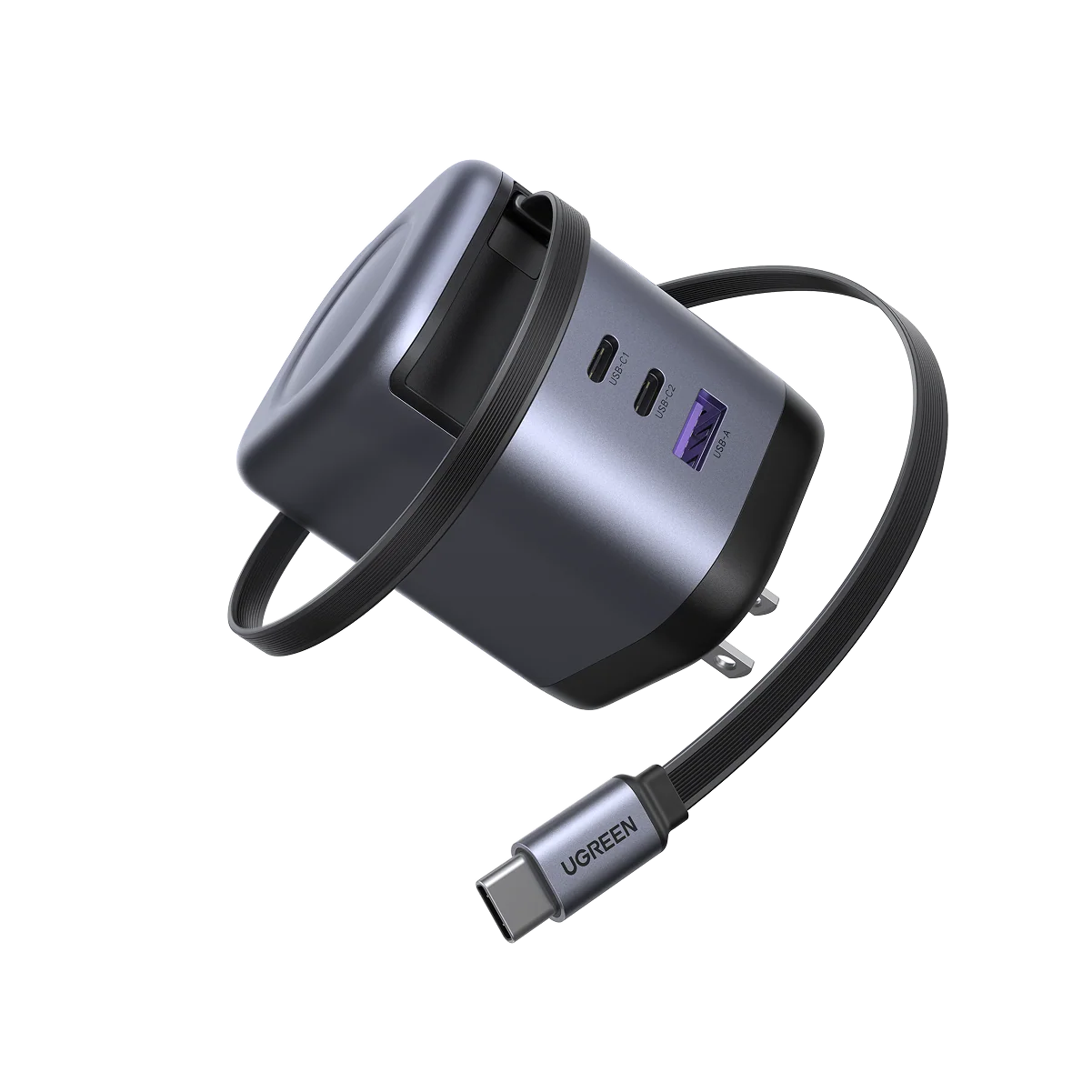 GaN chargers are often chosen for physical convenience. UGREEN says its GaN technology enables smaller charger designs while aiming for higher efficiency and less heat, and Belkin positions its GaN range as compact, lightweight charging technology for home, office and on-the-go use. These are technology and manufacturer-range descriptions, not a guarantee that every GaN charger will feel equally small or run the same way in every situation.
Compare the actual product dimensions, weight and port arrangement before deciding. A very compact charger may be ideal in a bag, whereas a higher-output multi-port model can be more practical on a desk. Foldable prongs, interchangeable plug tips and side-facing ports may also affect day-to-day usability; Belkin lists such physical features across its charger category.
Use the charger where it will normally live. A traveller may prioritise a compact body and region-appropriate plug solution. A desk user may prioritise cable routing and easy access to several ports. A larger charger is not automatically less convenient if it replaces several separate adapters, and a GaN label does not remove the need to check its actual format and output specification.
Choose Power-Bank Capacity and Output
Milliamp-hours (mAh) are a helpful way to compare power-bank capacity, but they do not by themselves tell you exactly how many recharges you will receive. The usable result varies with the battery in the device being charged, charging conditions and conversion losses. Treat capacity as one part of a comparison that also includes output, ports, cable arrangement and physical size.
Anker’s collection separates power banks into under 10,000mAh, 10,000–21,000mAh and over 21,000mAh bands. Those bands are a practical shopping framework rather than a promise of a fixed outcome. A smaller-capacity model may suit an occasional phone top-up when pocketability matters. A middle band can make more sense for longer days, a tablet or multiple smaller devices. A larger model may be worth considering when you need more reserve, intend to charge a laptop or expect to share power, provided its published output and physical size fit your needs.
Output matters as much as stored capacity. Anker filters its range for phones, tablets, laptops and multi-device use, and by USB-C, USB-A or mixed port types. It also groups products by charging-speed bands and port count. Use those categories to narrow the choice, then check the individual product’s documented output and compatibility before purchase.
Do not choose solely on the biggest capacity figure. Larger capacity commonly means a larger item to carry, while a compact unit may be easier to keep with you every day. Decide first whether your priority is emergency phone power, a full-day mixed-device reserve or a laptop-capable travelling setup. Then confirm the power bank’s stated output, available ports, cable arrangement and warranty.
Check Protocols Cables and Compatibility
Fast charging is a system property. The device, charger or power bank, cable and charging protocol need to work together. Belkin’s charger filters identify USB-C Power Delivery and Programmable Power Supply (PPS) as relevant charging-technology options, while Anker’s power-bank filters include PD alongside port type and charging-speed categories. Those labels are worth checking against the requirements published for your own device.
A USB-C connector alone is not enough information to predict the result. Check the cable’s advertised power rating, connector type and condition, as well as the charger or power bank’s supported output. UGREEN’s Nexode range, for example, lists a 100W USB-C to USB-C cable alongside its charging products. That is a useful reminder that a cable has its own specification and should be selected for the setup rather than assumed to be interchangeable with every other USB-C cable.
For a new setup, make a short compatibility checklist: device input requirement; charger or power-bank output; supported charging labels; port type; cable rating; and whether the necessary cable is included. If documentation is unclear, choose the manufacturer’s published compatibility information over an assumption based on connector shape or a retailer’s simplified description.
Replace visibly worn or unreliable cables, and avoid buying an accessory merely because it has a USB-C end. The right cable is the one whose documented specification matches the port and power requirement of the devices you plan to connect.
Select the Right Setup for Your Routine
A single-device commuter should favour a simple, compact charger or power bank with the correct USB-C connection and documented fit for the phone. Carrying a small power bank every day can be more useful than owning a larger one that stays at home, provided its capacity and output meet the expected need.
A multi-device desk user should start with simultaneous-use requirements. List the devices that will be charged together, then compare a charger’s port types and published allocation information. A multi-port model can be a tidy choice, but only if the distribution suits the combinations you actually use.
A frequent traveller should balance size, plug format, port placement and capacity. Check regional plug suitability, whether prongs fold or plug tips can be changed, and the physical dimensions of both charger and power bank. Keep the cable choice deliberate: one properly specified cable can be more useful than several unknown ones.
A laptop user should verify the laptop’s documented charging requirement, the charger or power bank’s stated laptop compatibility and its relevant port output. For a combined laptop-and-phone setup, also check what the product documentation says about charging both devices at once.
In every profile, read the individual manufacturer specification rather than relying on a category label. Confirm included cables, port types, warranty and return terms before checkout. The best setup is the one that supports your usual routine clearly and leaves room for the occasional extra device without turning ordinary charging into a guessing game.
Frequently Asked Questions
Does a higher-watt USB-C charger damage a lower-power device?
Do not assume compatibility from wattage or the USB-C connector alone. Check the device documentation and the charger’s published compatibility and output information. The supplied manufacturer material presents charging as a combination of device compatibility, port type and charging technology, so the specification for the exact device-and-charger pairing is the appropriate final check.
Can a USB-C power bank charge a laptop?
Some power-bank ranges are explicitly filtered for laptop use, including Anker’s. That does not make every USB-C power bank laptop-suitable. Verify the individual power bank’s stated laptop compatibility, its relevant USB-C output and the laptop’s documented charging requirement. Also consider whether the capacity and physical size are practical for the time away from mains power.
Why does a multi-port charger charge more slowly when several devices are connected?
A multi-port charger’s total output has to be allocated when several devices are connected, so the amount available to a particular port can depend on the ports in use and the connected devices. Check the manufacturer’s simultaneous-use or port-allocation information for the product you are considering instead of assuming every port receives the headline total output.
Do all USB-C cables support the same charging speed?
No cable should be treated as identical just because it has USB-C connectors. Check its published power rating, connector type and condition against the charger or power bank and the device. UGREEN’s listing of a 100W USB-C to USB-C cable alongside its charging range is one example of a cable specification that should be considered separately from the charger itself.
Sources
Related reading
- Best USB-C chargers and power banks: evidence-led picks for phones, tablets and laptops
- Anker chargers and power banks review: strengths, limits and alternatives
- Baseus chargers and power banks review: practical buying assessment
- How to choose a USB-C charger or power bank for your devices
Editorial information: About our editorial team · Read our editorial policy · Read our affiliate disclosure.