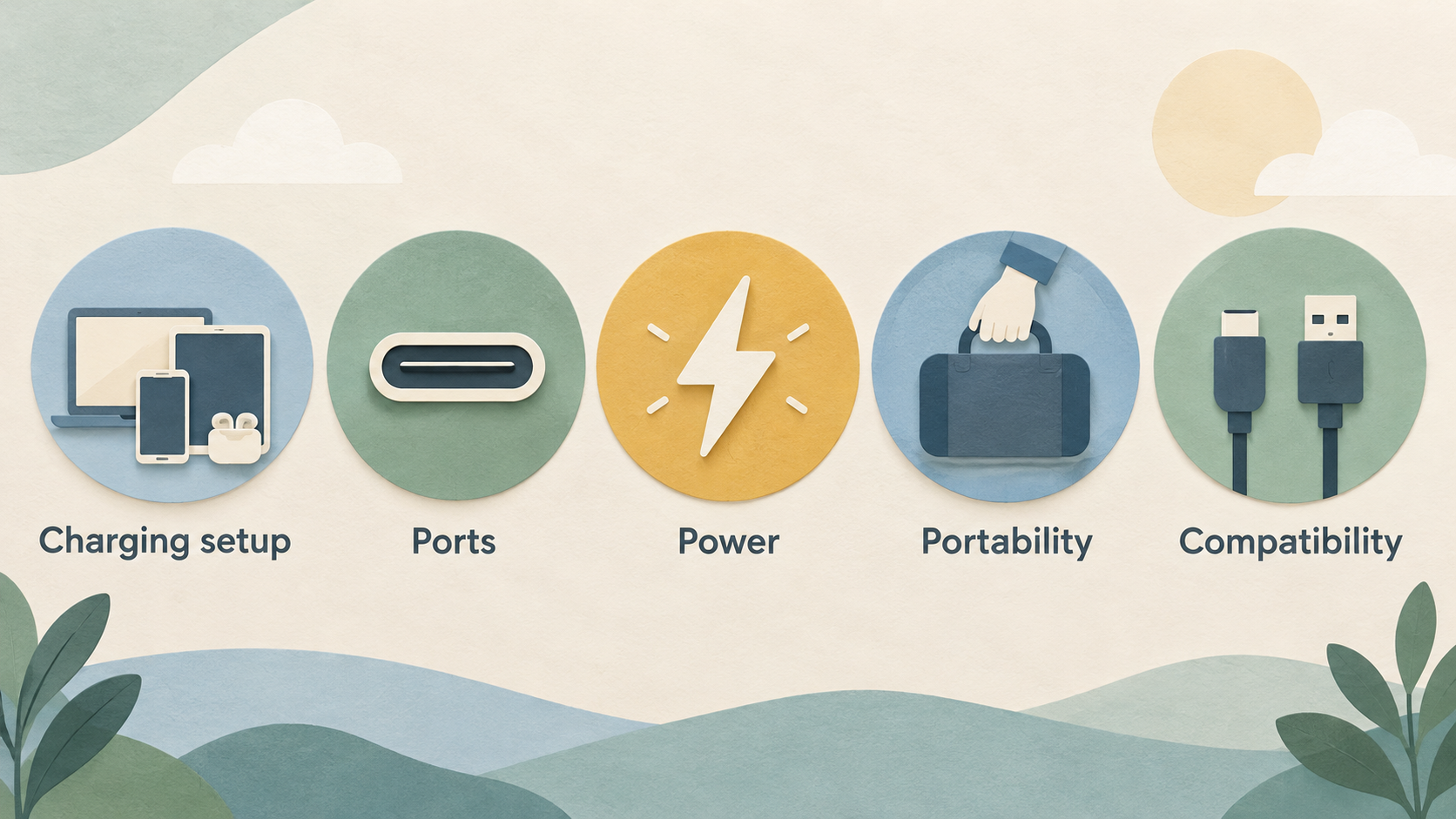
AI-generated illustration — not a retailer product photo.
| Check | Anker | UGREEN |
|---|---|---|
| Current costs and conditions | Check the official terms | Check the official terms |
| Product scope and intended use | Verify against your needs | Verify against your needs |
| Limitations and service | Compare current details | Compare current details |
Verdict: Choose by charging setup, not brand alone
AI-generated illustration — not a retailer product photo.
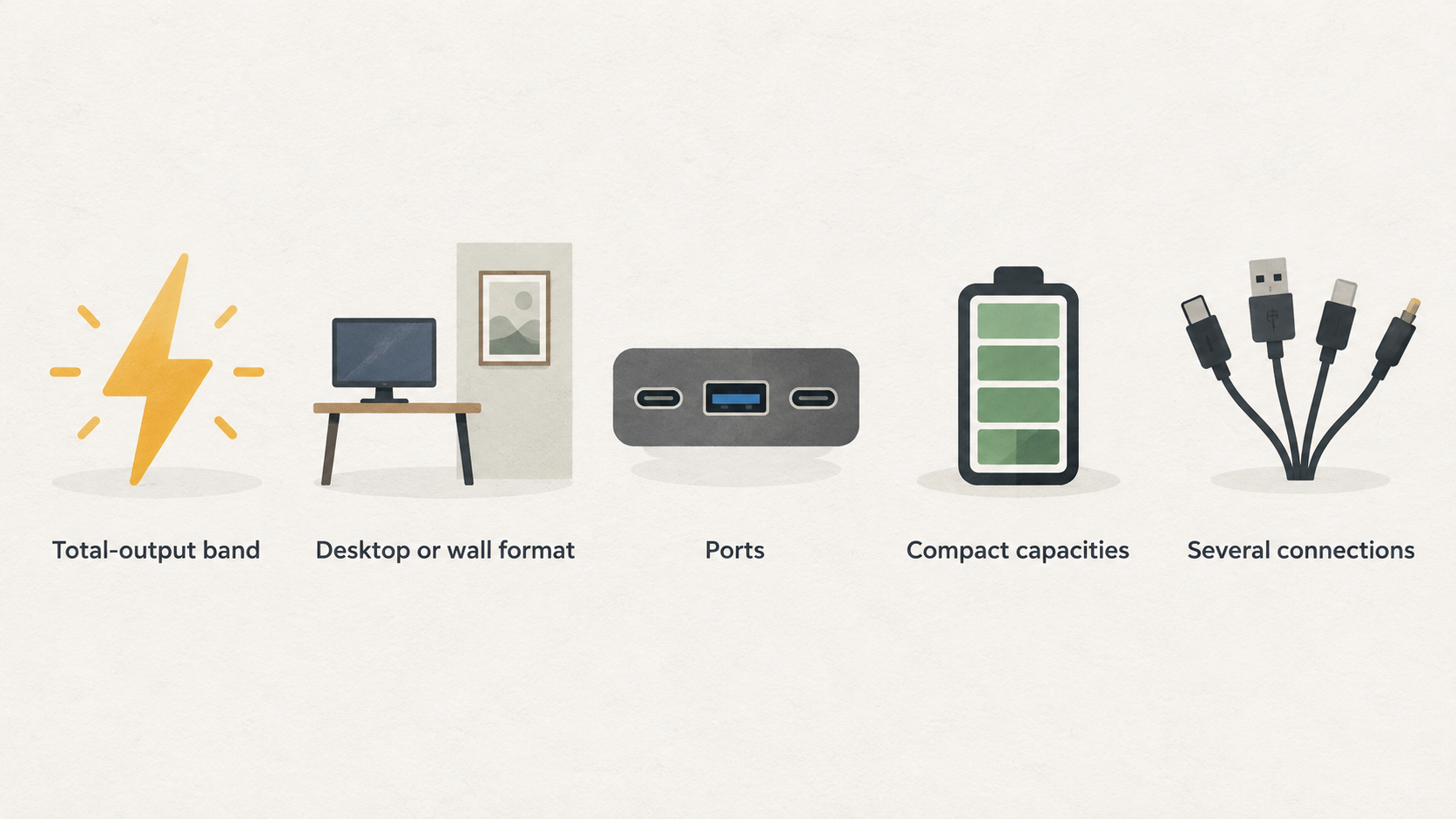
Neither brand wins by default. The useful choice is between the charging setups their documented ranges support. Anker’s catalogue makes it easy to narrow chargers by total-output band, desktop or wall format, and one, two-to-three, or more-than-three ports. Its power-bank range also spans compact capacities through higher-capacity laptop-oriented options, including magnetic and built-in-cable designs.
UGREEN’s Nexode range is especially relevant when a desk setup needs several connections: its official range page highlights 300W five-port and 500W six-port chargers, alongside wall-charger families. For a traveller with one phone or a modest USB-C laptop, a smaller wall charger may be the more sensible category than either brand’s largest desktop unit. For time away from a socket, compare power banks separately from mains chargers.
Start with four questions: how much power the device requires, how many devices will charge at once, whether the charger travels with you, and whether you also need stored battery capacity. Those answers are more dependable than a blanket brand preference.
What this Anker vs UGREEN comparison covers
AI-generated illustration — not a retailer product photo.
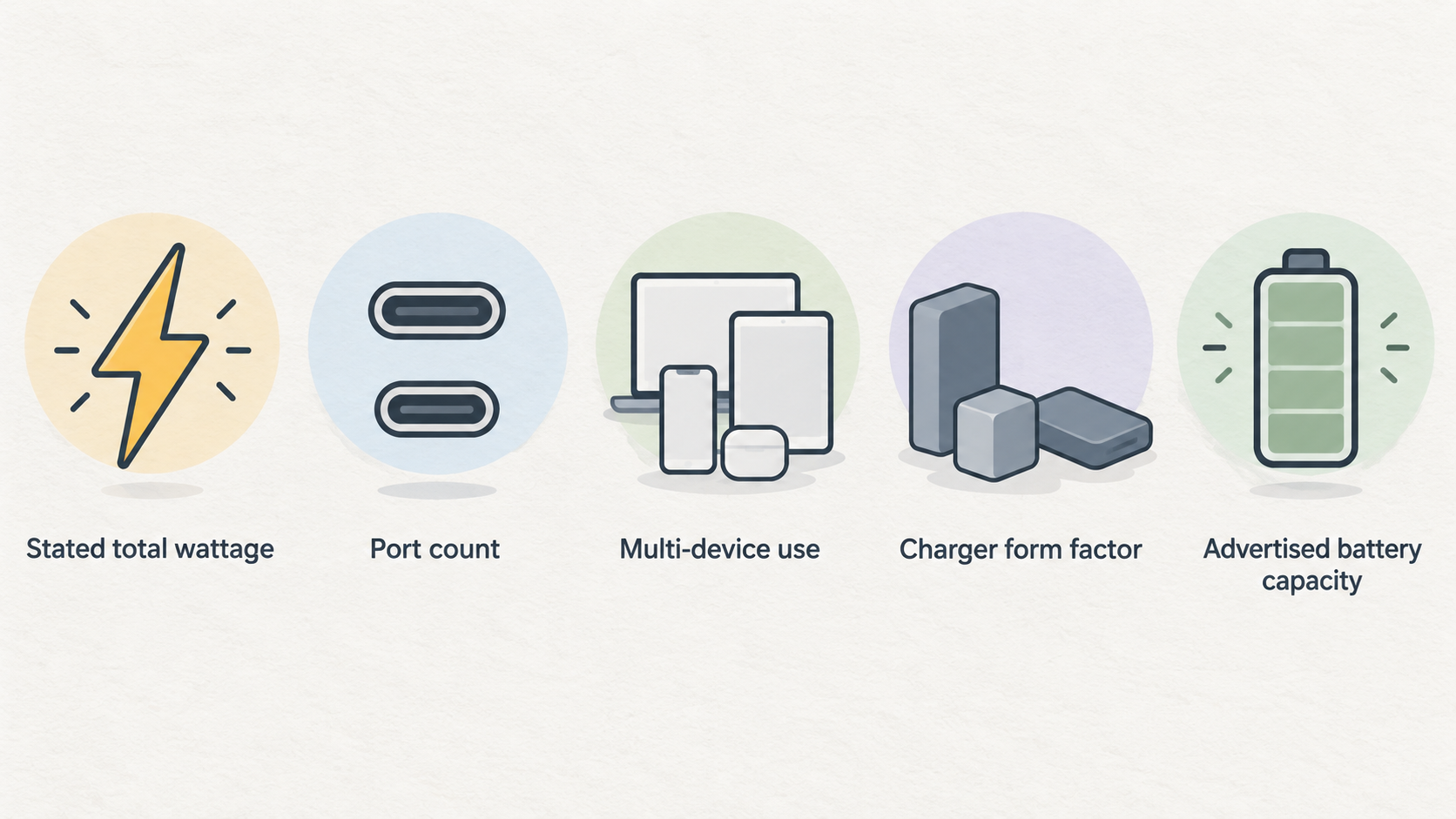
This comparison covers the documented USB-C charging ranges of Anker and UGREEN: wall chargers, desktop chargers and portable power banks. It considers the attributes shoppers normally need to reconcile before buying: stated total wattage, port count, multi-device use, charger form factor, advertised battery capacity and the brand’s stated compatibility or feature categories.
The available evidence is useful for identifying range breadth, but it is not a hands-on comparison of a matched pair of products. A collection page can show that a brand sells products in a category; it does not prove the exact size, plug version, USB-C PD profile, PPS support, power-sharing behaviour or warranty wording of every item in that category.
Anker’s charger collection is organised by output below 100W, 100W–200W and above 200W, as well as wall versus desktop chargers and port-count filters. Its power-bank catalogue similarly separates capacity bands and highlights laptop, phone, tablet and multi-device uses. UGREEN presents its Nexode Pro, Nexode and Nexode Retractable families, while its power-bank page describes high-capacity portable charging for laptops and smartphones.
Treat those range-level descriptions as a shortlist tool. The final compatibility decision should come from the exact product specification and your device manufacturer’s charging requirement.
Where Anker’s range is strongest
Anker’s documented range is strongest for shoppers who want to filter a broad charging catalogue around a practical setup. On the charger side, the range covers below-100W, 100W–200W and above-200W output bands, with wall and desktop form factors plus options from single-port units to chargers with more than three ports. The collection also positions GaNPrime technology as part of its fast-charging line-up.
That makes Anker a reasonable starting point if your first priority is narrowing by form factor and number of devices. A compact wall charger suits a bag better than a desktop charging station, while a desktop category is worth examining when several devices normally remain on the same desk. The filters themselves do not tell you how output is divided once every port is occupied, so the product-level power-allocation table still matters.
Its portable-power range is comparatively broad in documented categories too. Anker lists capacities below 10,000mAh, 10,000–21,000mAh and above 21,000mAh; it also identifies laptop-compatible, magnetic, pocket-size, built-in-cable and multi-port options. One featured example is a 25K, 165W laptop power bank with built-in and retractable cables, while the range also includes a slim 10K MagGo model.
Those categories point to a clear decision split: choose a lower-capacity, smaller-format power bank when portability dominates; investigate the laptop-oriented, higher-capacity end when stored power and higher stated output matter more. In either case, confirm the exact output available from the port you plan to use.
Where UGREEN’s range is strongest
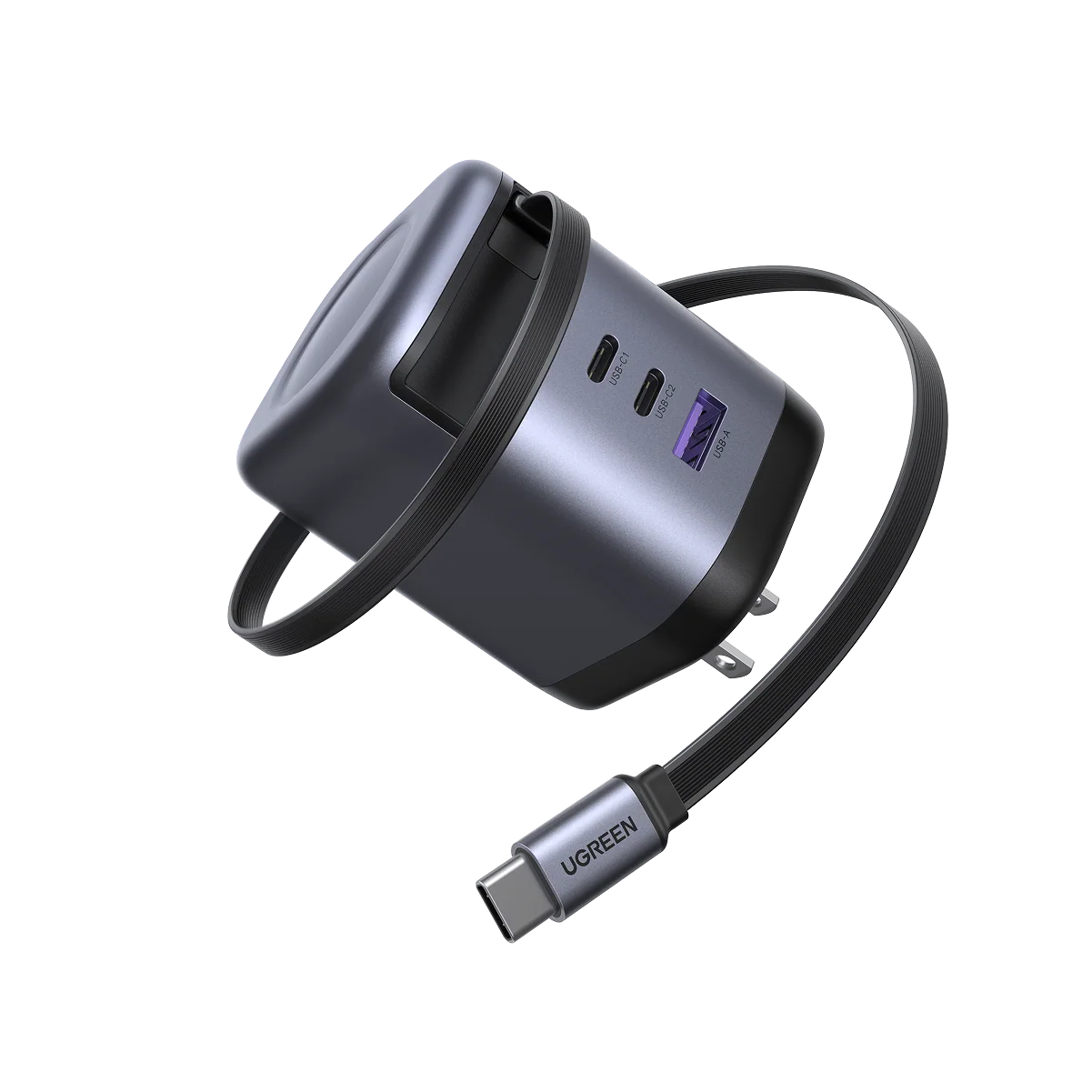 UGREEN’s Nexode range is most compelling on paper for multi-device desk charging and high total-output configurations. The official Nexode page groups products into Nexode Pro, Nexode and Nexode Retractable series, describes GaN technology as enabling smaller and more efficient chargers, and says Thermal Guard monitors temperature and adjusts output automatically.
Most notably, the range page calls out a 300W five-port charger and a 500W six-port charger. Those examples make UGREEN a logical range to inspect if one mains-powered station must serve several devices, such as a laptop, phone, tablet and accessories. They do not mean that every connected device receives its maximum desired wattage simultaneously: the precise allocation depends on that model’s port-sharing rules.
Independent editorial context reinforces the need to compare individual models rather than labels alone. Tech Advisor selected the UGREEN Nexode Pro 65W as its best overall USB-C wall charger in its 2025 guide, describing three PD outputs and PPS support, while noting that some larger laptops require 100W. The same guide listed the UGREEN Nexode 100W with two 100W USB-C PD outputs and four outputs overall, but noted the UK model can be heavy and deep. It also included a 30W Nexode as a low-cost wall-charger option.
UGREEN’s power-bank collection describes high-capacity portable power for laptops, smartphones and other devices. That supports considering the brand for portable charging, but the supplied range evidence does not establish capacity bands, dimensions or output profiles for every UGREEN power bank. Check the exact model before comparing it directly with an Anker alternative.
Limitations and checks before you buy
Total wattage is not the same thing as compatibility. A charger’s headline number may be shared across every active port, while your laptop may need a particular USB-C Power Delivery level to charge reliably. Tech Advisor notes that modern laptops or consoles need USB PD over USB-C, that requirements vary by laptop, and that some smaller laptops can use 30W while others need substantially more. Its guide also notes that USB PD can reach 240W, but accessories in the market can operate across a much wider practical range.
Before buying, check these product-level details:
- Your device maker’s required USB-C charging wattage and whether it needs USB PD or PPS.
- The charger’s table for one device, two devices and every port in use—not only the total-output figure.
- Which ports can deliver the required output, since a multi-port unit may not give every port the same ceiling.
- The regional plug version and physical depth, especially for travel or crowded wall sockets.
- For a power bank, its rated capacity, input/output limits, permitted travel use and whether its cable arrangement suits your devices.
- The current warranty terms for the exact regional storefront and product, rather than assuming a range-wide term.
Anker’s collection pages provide useful category filters and mention warranty and support, but they do not replace an individual product sheet. UGREEN’s Nexode page establishes its product families and high-output examples, but it likewise does not provide every model’s dimensions, protocol list or port-allocation diagram in the supplied evidence. If a required detail is absent, treat it as unconfirmed rather than filling the gap from the brand name.
Anker vs UGREEN by ports, power and portability
The practical comparison is scenario-led.
One-device travel. Start with a compact wall charger from either range, then match its single-port USB-C output to the device. Anker’s charger collection includes a one-port filter and presents compact GaN charging; UGREEN’s Nexode range includes compact-positioned wall-charger families, and independent coverage identifies a 30W Nexode example. This is a category decision, not evidence that any one model is smallest or best for every traveller.
A compact USB-C laptop setup. First establish the laptop’s required wattage. A lower-wattage charger can be appropriate for some smaller laptops, but Tech Advisor specifically warns that larger laptops may require 100W. Anker offers charger filters spanning below 100W through above 200W, while UGREEN’s reviewed examples include 65W and 100W Nexode models. Pick the exact charger only after checking its PD profile, plug format and the output available from the port you will use.
Several desk devices. Both brands document multi-port charger ranges, but UGREEN supplies the clearest high-total-output examples in the evidence: 300W with five ports and 500W with six ports. Anker documents desktop chargers and filters for two-to-three and more-than-three ports. Either range may fit a desk; compare the power-sharing table, the ports’ individual limits and the mix of USB-C and USB-A connections before deciding. A six-port product is not automatically a better fit than a three-port model if only two high-demand devices are connected.
Power away from mains. This is where chargers and power banks must be separated. A wall or desktop charger needs a socket; a power bank stores capacity for later use. Anker’s documented power-bank range gives shoppers more explicit capacity bands and feature filters, including laptop compatibility, magnetic options and built-in cables. UGREEN’s supplied power-bank evidence confirms a high-capacity, laptop-and-smartphone-oriented category, but does not support a like-for-like capacity or size comparison. Choose portable battery capacity according to the devices, expected time away from mains and permitted travel use, then verify the exact bank’s output.
Portability versus station-style convenience. Wall chargers are usually the category to investigate for a bag, whereas desktop chargers become more relevant when cables and devices stay in one place. Do not infer physical size from wattage or port count. The reviewed 100W UGREEN UK model, for example, was described as heavy and deep, illustrating why regional version and dimensions must be checked item by item.
Alternatives worth considering
Look beyond Anker and UGREEN when the specification is unusually specific. Examples include a laptop that requires a confirmed wattage, a phone that benefits from PPS, a regional plug format, a particularly shallow wall socket, or a workstation where you need a published power-sharing diagram for all connected devices.
The best alternative is not simply another recognised brand. Start with the device requirement, identify chargers that explicitly meet it, and then compare independently reviewed models with the same port mix and form factor. Tech Advisor’s USB-C PD guidance is a useful reminder that USB-C connectors alone do not establish laptop charging compatibility, and that required power varies by device.
For power banks, apply the same discipline: compare confirmed capacity, USB-C output, charging input and airline-use rules for the exact products. If those details are missing from a listing, keep it on a provisional shortlist rather than treating it as equivalent to a fully specified option.
Frequently Asked Questions
Is Anker or UGREEN better for charging a USB-C laptop?
Neither is automatically better. Check your laptop’s required USB-C PD wattage first, then compare the precise charger’s single-port output and multi-port allocation. Anker documents charger ranges from below 100W to above 200W, and UGREEN documents Nexode options including high-output multi-port models; the compatible choice depends on the individual laptop and charger.
Do more ports mean a charger can deliver full power to every device at once?
No. More ports increase connection options, but total output may be shared between them. Review the manufacturer’s power-sharing table for the exact model and confirm which port can provide the wattage your laptop or other high-demand device needs when other ports are active.
Should I buy a charger or a power bank for travel?
Buy a charger when you expect access to mains power and need to charge from a socket. Buy a power bank when you need stored power away from a socket. Anker documents both compact and higher-capacity power-bank categories; UGREEN documents a high-capacity portable-power category. For either, check the exact output and capacity before purchase.
How can I check whether a USB-C charger will work with my device?
Find the device manufacturer’s required charging wattage and USB-C PD or PPS requirements. Then read the exact charger specification, including single-port output, port-sharing behaviour, cable requirements and regional plug version. USB-C shape alone is not enough to establish charging compatibility.
Sources
Related reading
- Best USB-C chargers and power banks: evidence-led picks for phones, tablets and laptops
- Anker chargers and power banks review: strengths, limits and alternatives
- UGREEN chargers and power banks review: who they suit and who should skip them
- How to choose a USB-C charger or power bank for your devices
Editorial information: About our editorial team · Read our editorial policy · Read our affiliate disclosure.