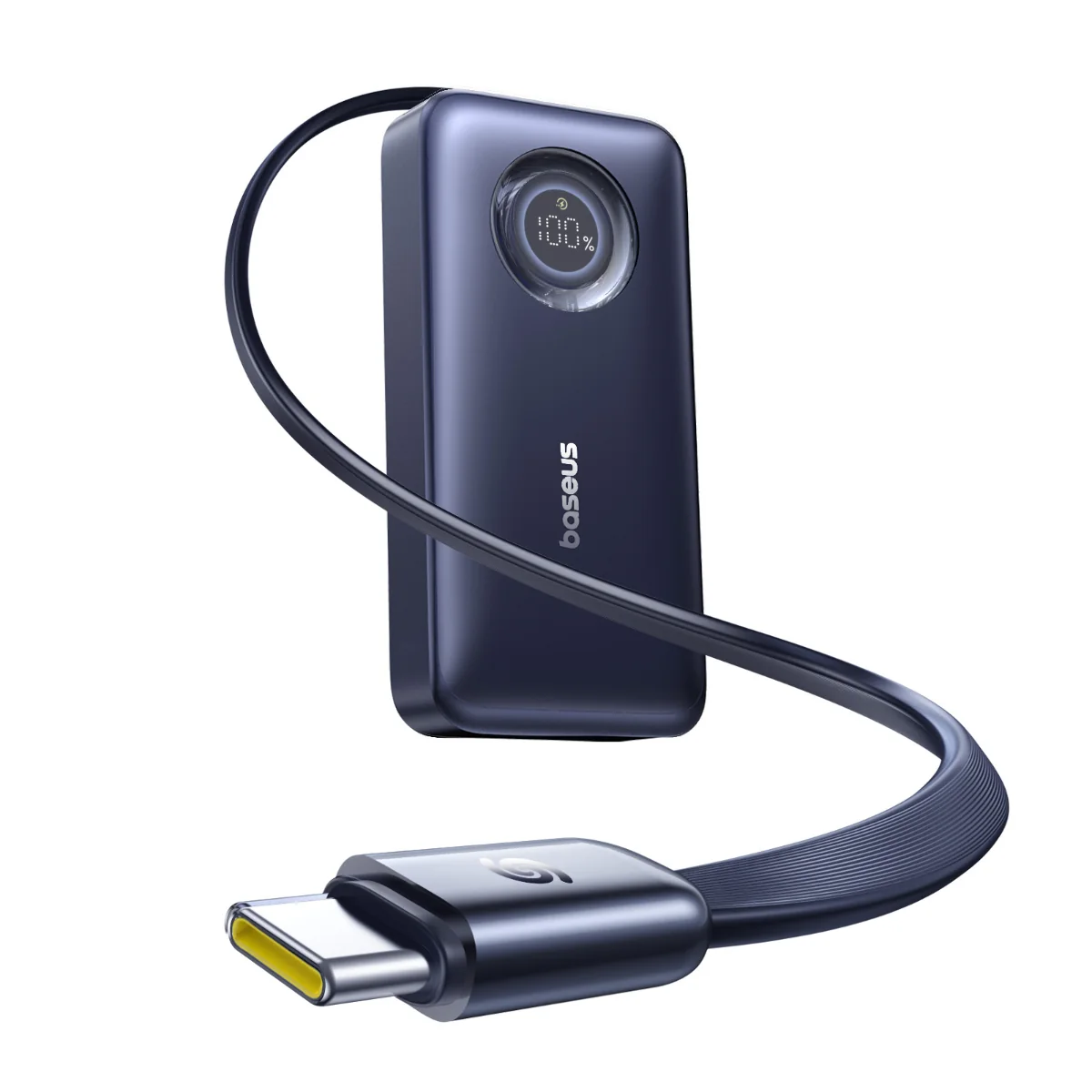
Baseus has a broad catalogue of USB-C chargers and power banks, from compact wall chargers to multi-port desktop stations and portable batteries. The right choice is less about finding a universal winner and more about matching stated output, port layout, capacity and charging format to the devices and situations you actually have.
What This Baseus Review Covers
AI-generated illustration — not a retailer product photo.
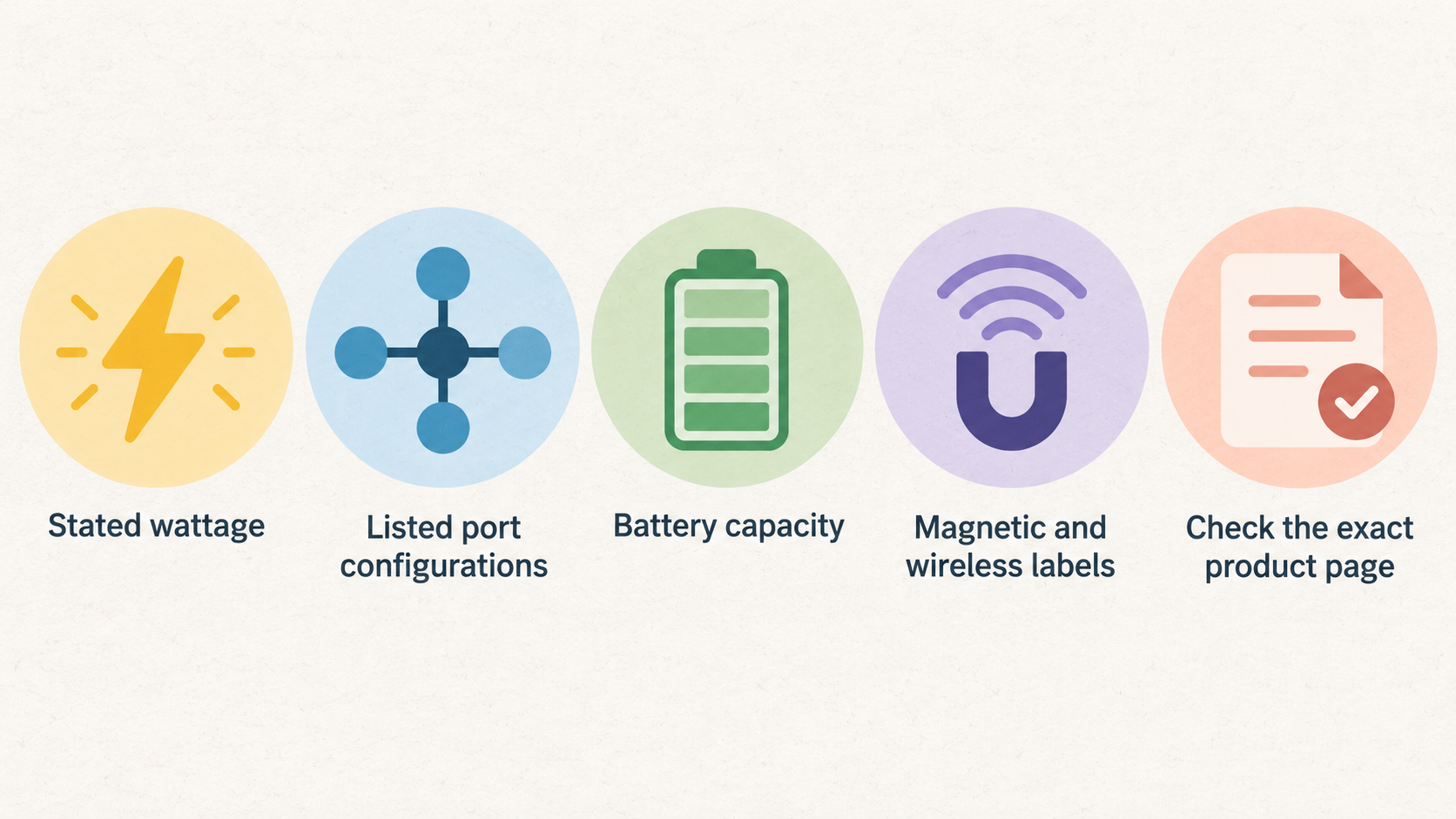
This is a practical buying assessment of Baseus’s currently listed charger and power-bank range. It focuses on the information shoppers can compare before buying: stated wattage, listed port configurations, battery capacity, magnetic and wireless labels, built-in convenience features, and the distinction between desk charging and portable power.
It is not a hands-on test. That means it cannot establish real-world charging speed, heat, long-term reliability, cable quality or device-specific behaviour beyond what the selected product’s own information confirms. Treat the ranges below as a way to narrow your shortlist, then check the exact product page for the devices, cables, regional plug version and charging standards that apply to you.
For a laptop-and-phone desk setup, compare multi-port USB-C chargers and desktop stations first. For charging away from a socket, start with capacity, stated output and whether magnetic wireless charging, a stand or an integrated cable would make a difference.
Baseus USB-C Chargers at a Glance
AI-generated illustration — not a retailer product photo.
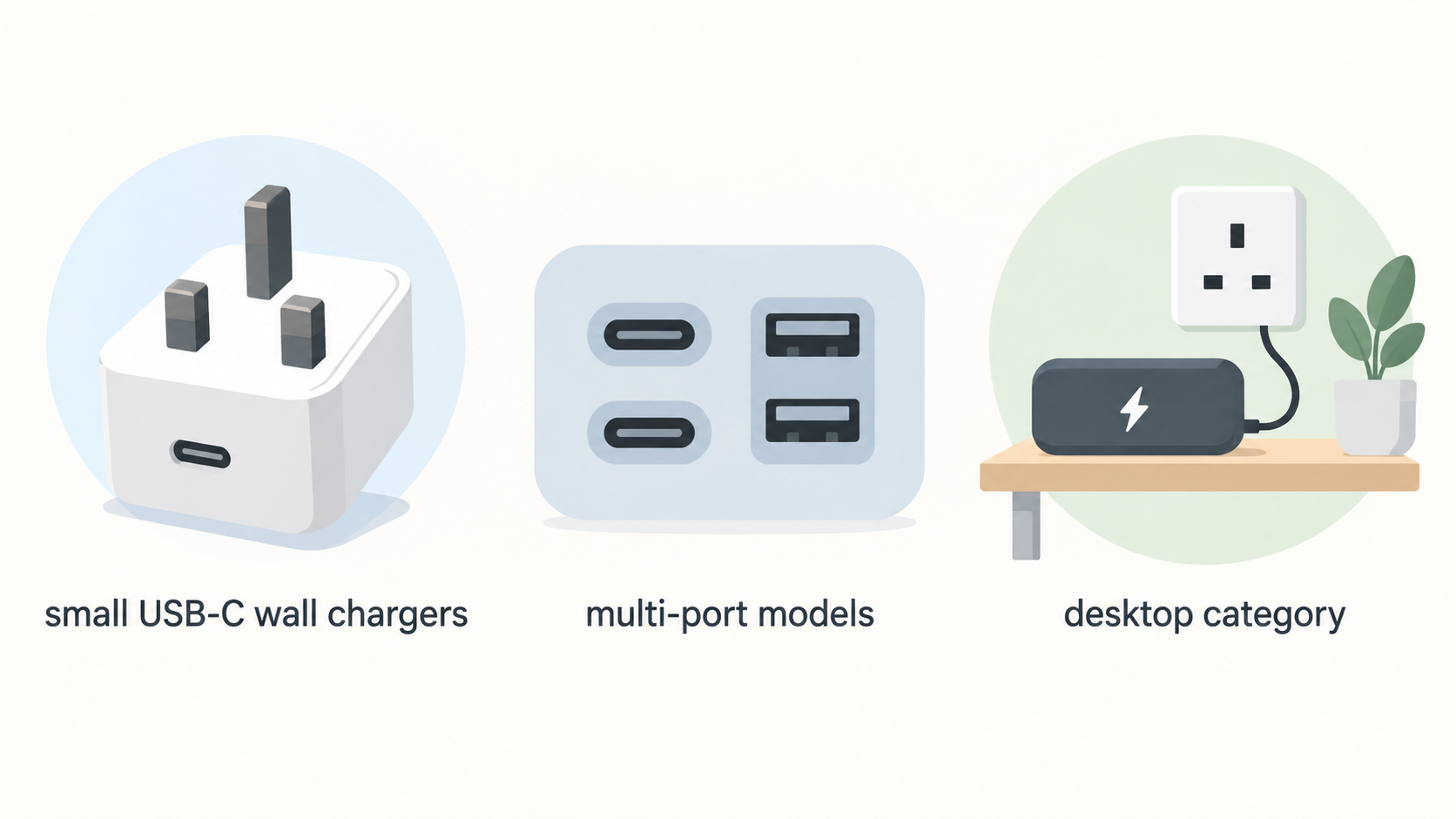
Baseus’s charger collection spans several formats. The listed range includes 45W, 67W, 70W, 100W, 120W and 140W examples, so it covers small USB-C wall chargers as well as higher-output units intended for more demanding device mixes.
At the compact end, the collection lists 45W PicoGo USB-C chargers and a 67W PicoGo AE11 model with two USB-C ports plus one USB-A port. Higher in the range are 100W multi-port models, 140W chargers with multiple USB-C ports and USB-A, and the Nomos 5-in-1 Desktop Charger with a Qi2 label and a stated 140W rating.
The desktop category is distinct from a pocketable wall charger. For example, Baseus lists the EnerFill FH21 Desktop Charging Station with four USB-C and two USB-A ports at 120W. That kind of layout may suit a fixed desk where several devices regularly need power, while a smaller charger may be easier to carry.
Use the headline wattage and port count as shortlist signals, not as a promise that every port can deliver its maximum rating at the same time. The chosen product page should decide the final fit.
Strengths of Baseus Chargers
AI-generated illustration — not a retailer product photo.
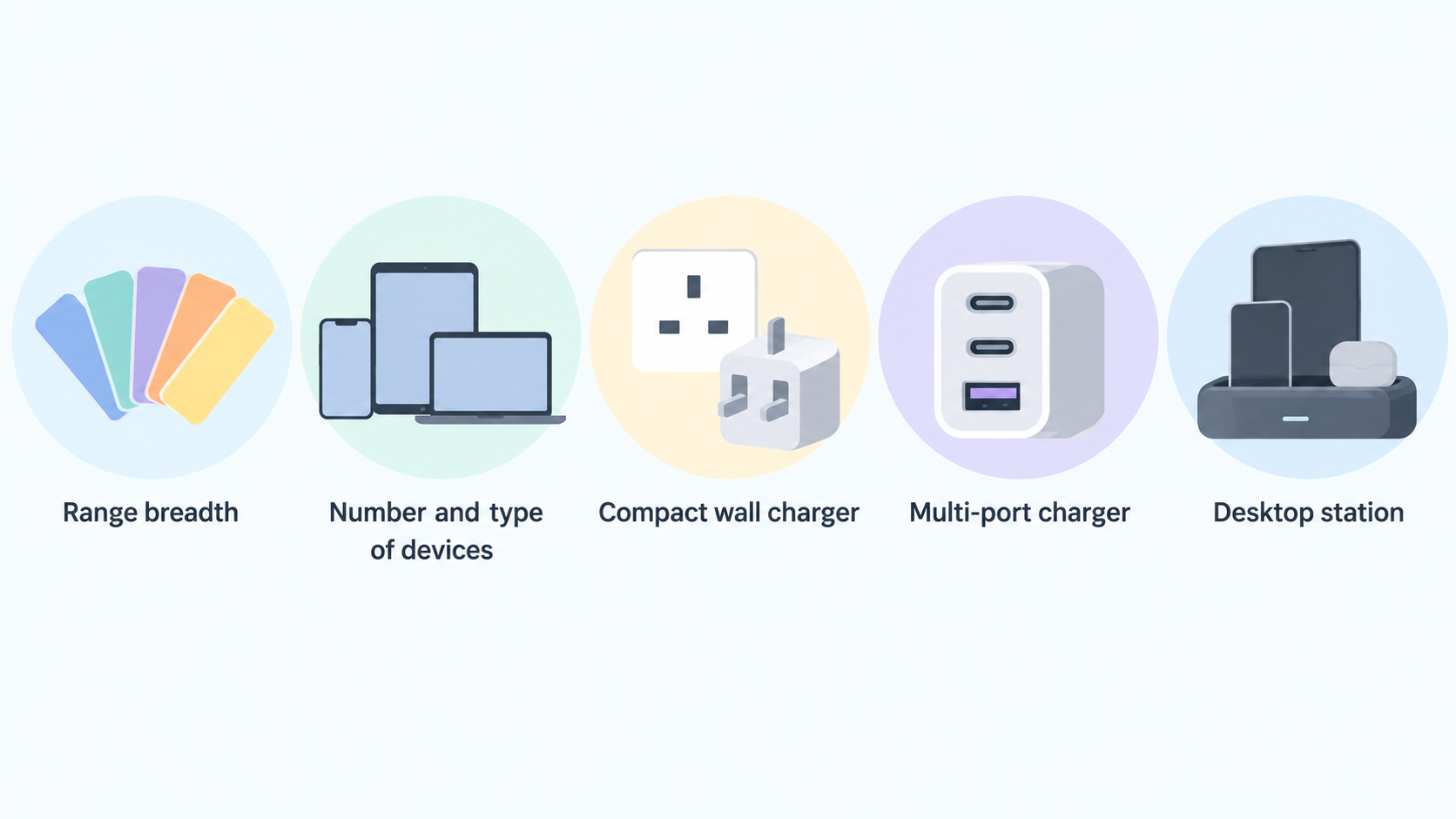
The main documented strength is range breadth. Shoppers can choose among compact 45W options, multi-port 67W and 100W chargers, desktop charging stations, and listed 120W or 140W products. This makes it practical to start with the number and type of devices you need to charge rather than forcing every situation into one charger format.
There are also clear format differences within the collection. A compact wall charger can suit a travel bag or a single-device setup, while a multi-port charger or desktop station can make more sense where a phone, tablet and laptop may be charging in the same place.
For buyers who need USB-C and legacy USB-A connections, the collection includes models explicitly labelled with mixed port arrangements such as 2C+U, 3C+U and 4C+2U. That is useful for narrowing options, but protocol support, port priority and power sharing still need checking on the individual model.
Limits and Checks Before Buying a Baseus Charger
A charger’s maximum wattage is not enough to predict how it will behave with several connected devices. A 100W, 120W or 140W figure describes a stated product rating, but it does not by itself reveal the allocation across ports, which port should be used for a laptop, or what happens when another device is added.
Before purchasing, verify the exact port layout and simultaneous-output table on the product page. Also check plug type for your region, included-cable details, supported charging protocols, dimensions, weight and compatibility with the particular phone, tablet or laptop you intend to use.
Do not treat a high-wattage listing as proof of faster charging for every device. A device’s own charging limits, the cable in use and the charger’s documented protocol support all matter. Likewise, catalogue information alone cannot confirm everyday thermal performance, durability or long-term reliability.
Baseus Power Banks at a Glance
Baseus’s power-bank collection covers compact 5,000mAh models, a large selection of 10,000mAh options and listed 20,000mAh products. It also spans stated outputs from below 50W to 50–100W, giving shoppers a useful first filter based on whether they prioritise a small phone top-up or more substantial portable power.
The range includes magnetic products, models labelled Qi2 or Qi2.2, and variants with convenience features. Examples in the collection include a 5,000mAh magnetic power bank with a stand, 10,000mAh magnetic models with built-in cables, a 10,000mAh power bank with a retractable cable, and a 20,000mAh digital-display model with a stated 100W output.
Capacity, stated output and form factor are the three practical comparison points. A 5,000mAh unit may appeal when compactness matters most; 10,000mAh is a common middle ground in the listed range; and 20,000mAh models are the larger options to compare when longer time away from a socket is the priority.
Strengths of Baseus Power Banks
The documented appeal of the Baseus range is choice across portable formats. There are small magnetic 5,000mAh models, slim 10,000mAh magnetic options, and larger 20,000mAh models, allowing buyers to weigh pocketability against capacity instead of assuming one size suits every trip.
The catalogue also lists useful convenience features on selected models. These include stands, digital displays, built-in cables and retractable cables. A buyer who often forgets a cable may prefer an integrated-cable model, while someone who watches video or takes calls while charging may value a stand-equipped magnetic format.
Qi2 and Qi2.2 are labels to compare, rather than guarantees of the same experience on every phone. They can help identify products designed around a particular wireless-charging format, but the selected product documentation and the phone’s compatibility information should determine whether the combination is suitable.
Limits and Checks Before Buying a Baseus Power Bank
Rated mAh is a battery-capacity figure, not a guaranteed number of full charges for a particular phone. Actual outcomes vary with the device, cable or wireless method, conversion losses and how the power bank is used. Compare capacity as a broad sizing measure rather than as a fixed recharge-count promise.
Before buying, check the chosen model’s dimensions, weight, ports, cable specification and stated output. If you expect to fly with it, check the airline’s current rules as well as the power bank’s labelled capacity. Buyers considering magnetic or wireless charging should also confirm that their phone, case and charging standard are compatible.
Do not infer charging speed, battery longevity or heat behaviour from capacity or a wireless label alone. Those are product- and device-specific questions that require more than the catalogue-level information considered here.
How to Choose Between Baseus Chargers and Power Banks
Start with where you need power. Choose a wall charger when you normally have access to a socket and want to power one or more devices at a desk, bedside or hotel. A desktop charging station can be worth comparing when several devices stay in one place. Choose a power bank when portability matters and you need energy between sockets.
Then match the format to the device mix. A compact 45W charger may be enough for a lighter setup, while buyers with multiple devices can compare the listed mixed-port 67W, 100W, 120W and 140W options. For portable power, choose between a small magnetic 5,000mAh model, a 10,000mAh everyday option, or a larger 20,000mAh format based on the balance you want between size and stored capacity.
Finally, compare exact product pages before purchase. Confirm the output arrangement, ports, cable arrangement, device compatibility, dimensions, plug version and applicable warranty and returns terms. The best Baseus choice is the one whose documented specifications fit your devices and routine—not simply the one with the biggest number on the box.
[Compare Baseus charging options]
Frequently Asked Questions
Are Baseus chargers suitable for charging more than one device?
Some listed Baseus chargers are explicitly multi-port models, including 2C+U, 3C+U and 4C+2U arrangements, and the collection includes desktop charging stations. They can be sensible options for multi-device setups, but confirm the individual model’s simultaneous-output information before assuming every connected device will receive its maximum possible power.
What Baseus power-bank capacity should I choose?
Choose by portability and expected time away from a socket. The listed range includes 5,000mAh, 10,000mAh and 20,000mAh examples. Smaller options may be easier to carry; larger capacities provide a larger stated energy reserve but can change size and weight. Do not convert mAh directly into a guaranteed number of phone charges.
What does a Qi2 or Qi2.2 label tell me about a Baseus power bank?
It identifies a listed magnetic wireless-charging format on selected products. It does not alone confirm that every phone, case or use pattern will work in the same way. Check the particular power bank’s details and your phone’s compatibility before buying.
Should I choose a Baseus wall charger, desktop charging station or power bank?
Choose a wall charger for portable socket-based charging, a desktop station for a fixed multi-device setup, and a power bank for charging away from a socket. Then verify the exact product’s wattage, ports, capacity and compatibility details against your own devices.
Sources
Related reading
- Best USB-C chargers and power banks: evidence-led picks for phones, tablets and laptops
- Belkin USB-C chargers review: practical buying assessment
- How to choose a USB-C charger or power bank for your devices
- USB-C chargers and power banks explained: wattage, ports, capacity and charging protocols
Editorial information: About our editorial team · Read our editorial policy · Read our affiliate disclosure.