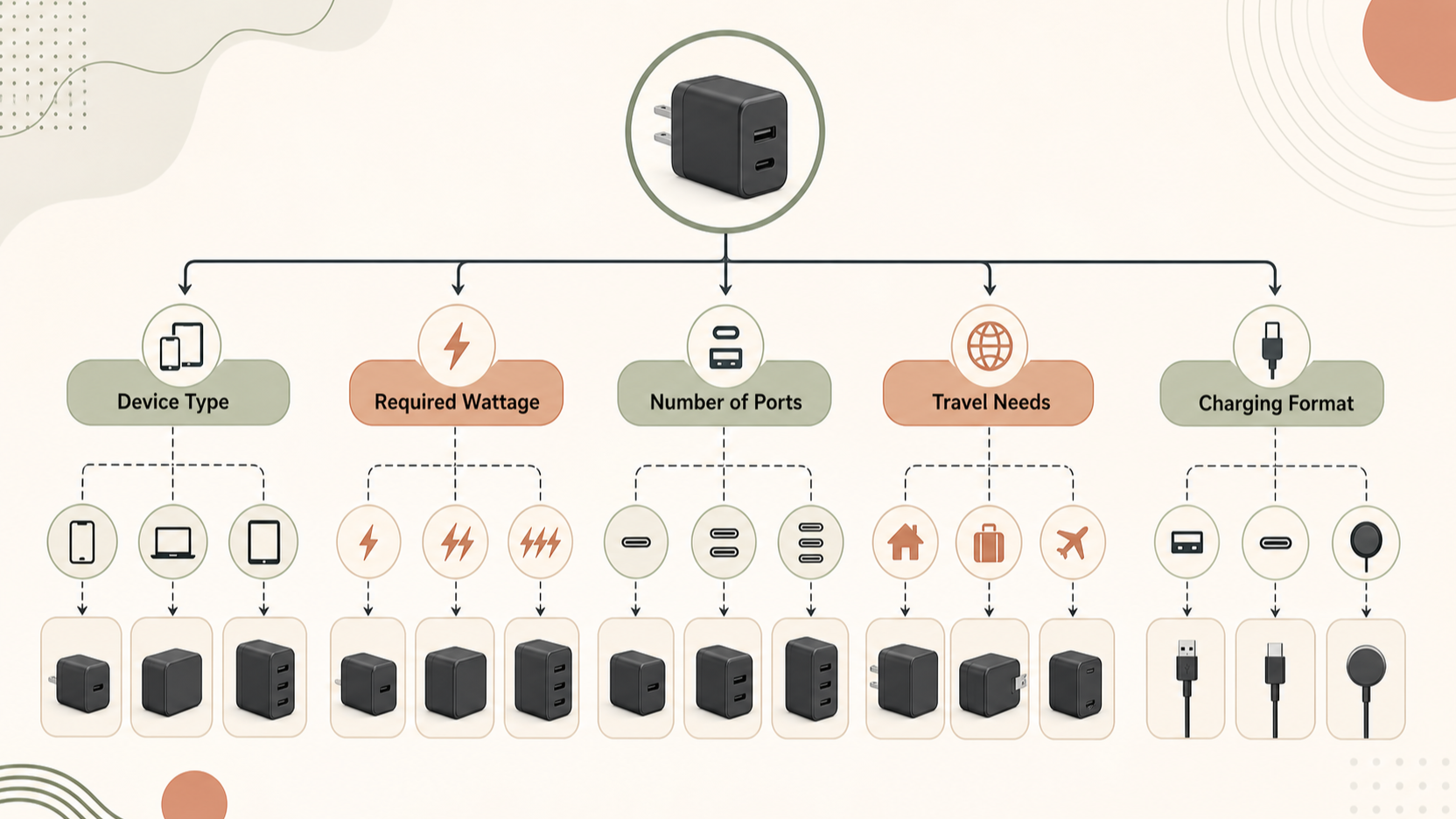
Belkin USB-C Chargers at a Glance
AI-generated illustration — not a retailer product photo.
Belkin’s official charger catalogue presents a broad charging ecosystem rather than one single “best” USB-C charger. Its listed coverage spans phones, tablets, laptops and accessories, with products intended for home, office and travel use. That makes the brand worth considering if you are trying to standardise charging across several devices, but it also means a sensible purchase decision starts at the product-page level.
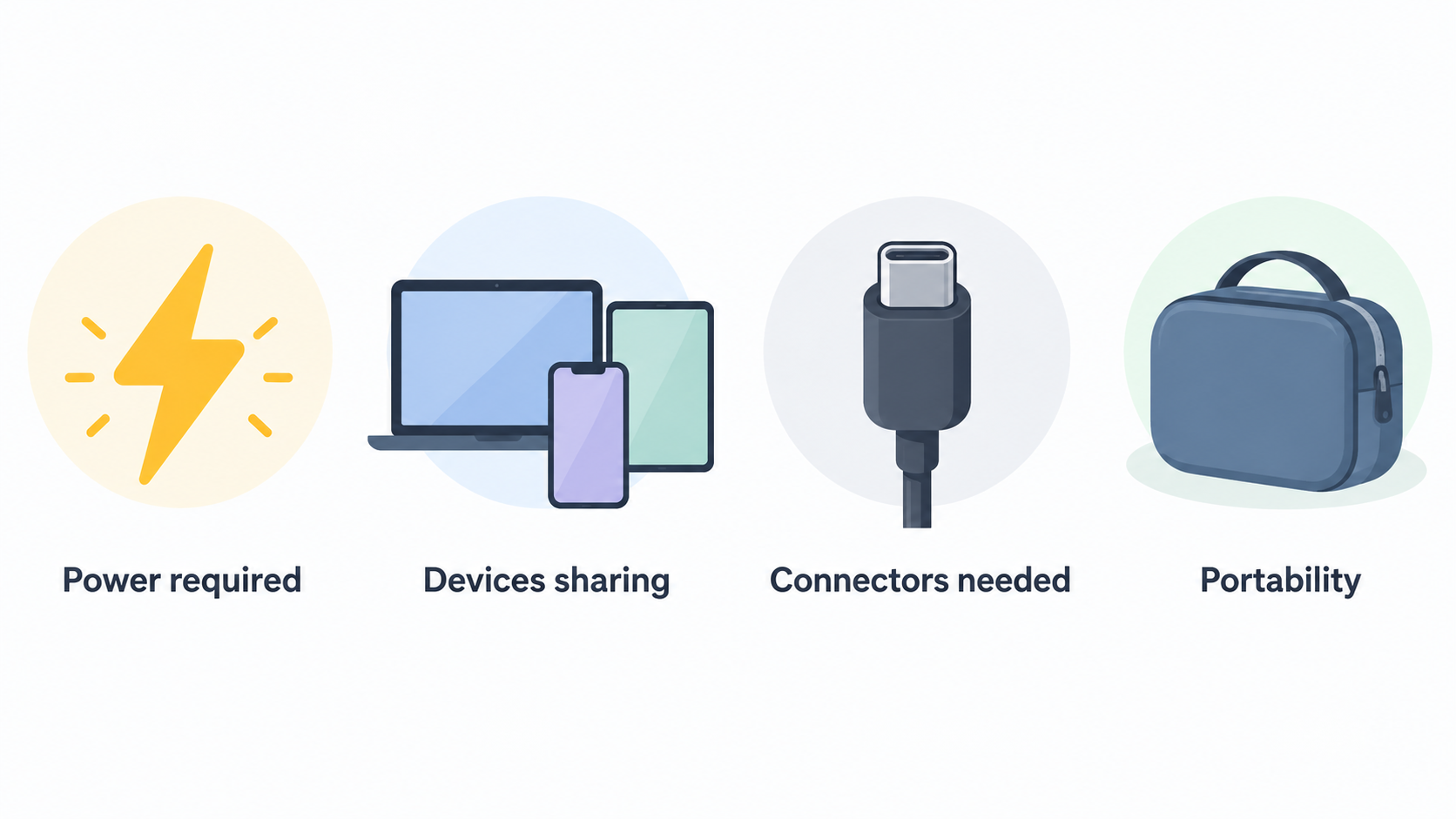
This is a documentation-led buying assessment, not a hands-on test. The practical questions are straightforward: how much power does your device require, how many devices will share the charger, which connectors do you need, and how portable does the setup need to be? Belkin’s catalogue also exposes filters for charging technologies, output count, laptop compatibility and travel-oriented design features, which can make narrowing the range more manageable.
Before ordering, compare the exact model’s wattage, ports, supported charging standard, dimensions and regional warranty terms. A charger that is suitable for one phone may not be the right desk charger for a laptop, tablet and earbuds at the same time.
Product Range and Key Specifications to Compare
AI-generated illustration — not a retailer product photo.
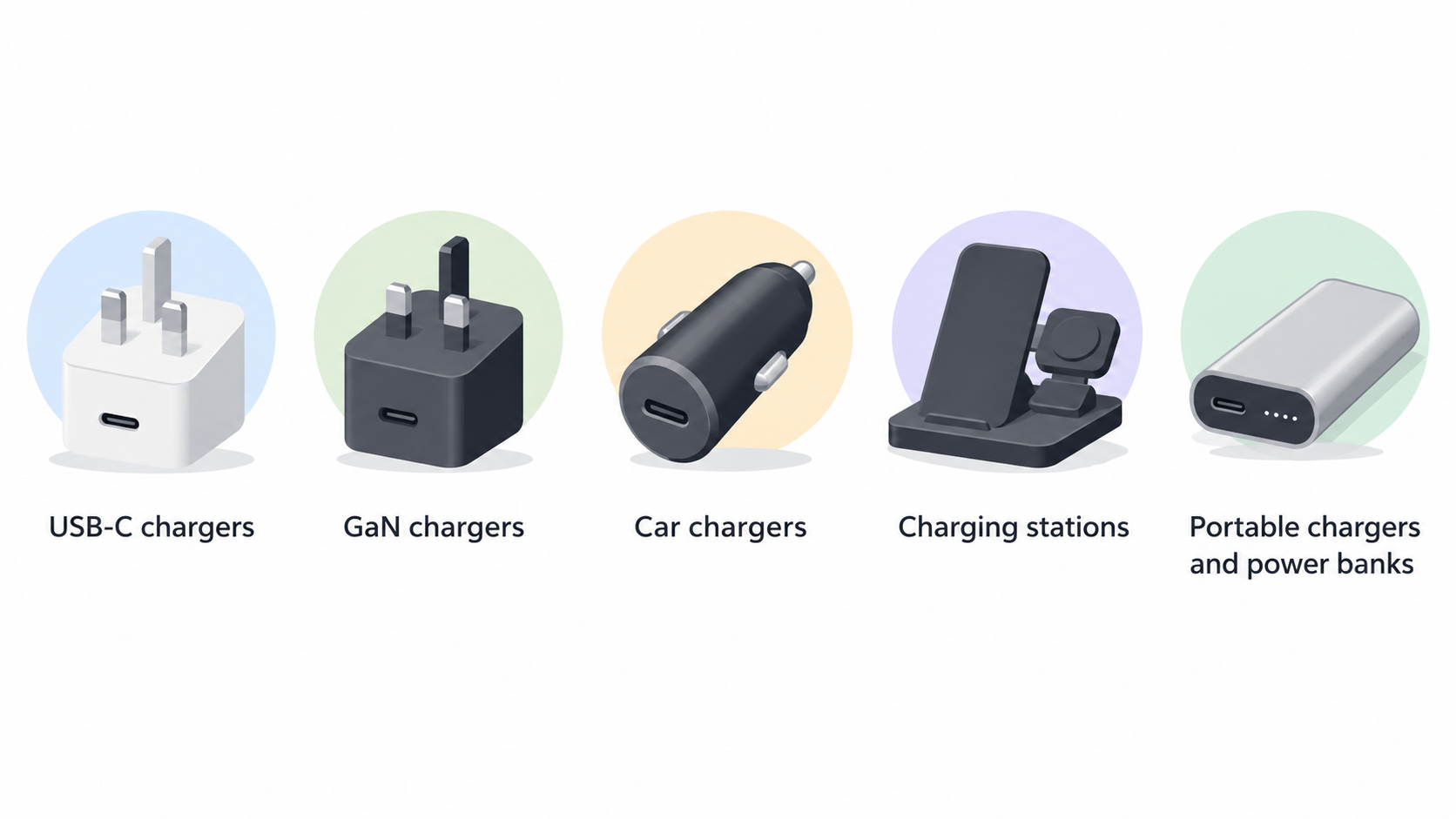
Belkin groups its charging products into several useful starting points: USB-C chargers, GaN chargers, car chargers, charging stations, and portable chargers and power banks. These categories reflect where and how you charge rather than a single performance tier. A wall charger is usually the starting point for mains charging; a car charger serves in-vehicle use; a charging station can suit a more permanent multi-device setup; and a power bank provides portable stored power.
Start by matching the category to the job. For a single phone or compact travel kit, a small USB-C wall charger may be enough. For a desk where several devices need power, look for a product with the right number and mix of outputs. For commuting or longer days away from a socket, compare power-bank capacity, port arrangement and physical size alongside the charging input and output details.
Do not treat a category name as a full specification. The relevant product listing should confirm its rated wattage, the number of outputs, whether those outputs are USB-C or USB-A, and which charging features it supports. Belkin’s catalogue includes filters for single, dual and three-or-more outputs, so port count is a useful first comparison—but the precise power available when several ports are in use still needs checking on the chosen product page.
Where Belkin Chargers Stand Out
AI-generated illustration — not a retailer product photo.
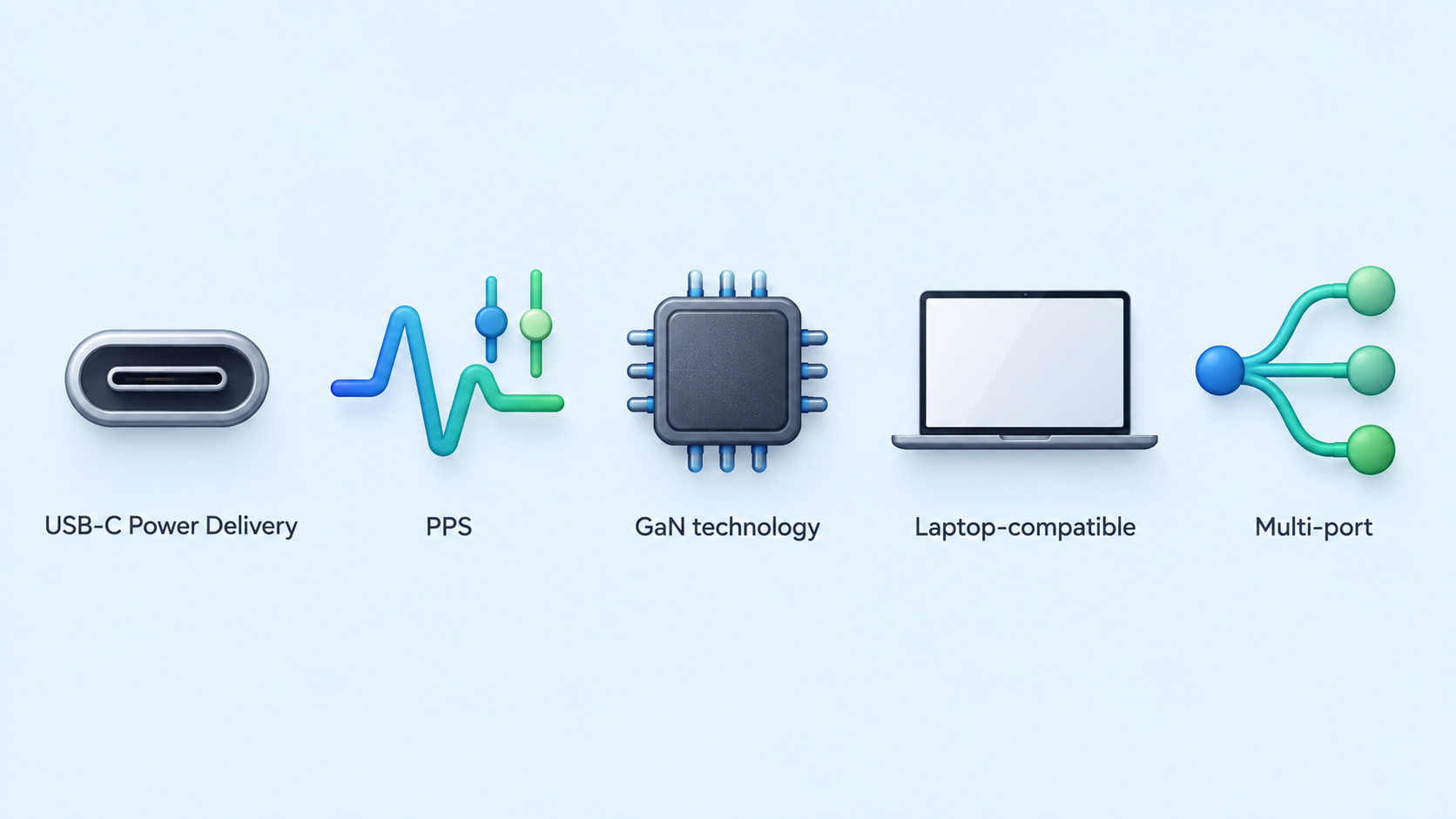
Belkin’s documented range is particularly useful for shoppers who want to compare compact charging formats with multi-device options. Its catalogue includes USB-C Power Delivery, PPS, GaN technology, laptop-compatible and multi-port filters, rather than limiting the choice to basic single-output plugs. Those filters do not guarantee that every charger has every feature, but they create a practical route to a more targeted shortlist.
GaN is the clearest example. Belkin describes Gallium Nitride charging as compact, high-performance technology designed to deliver more power efficiently while remaining lightweight and suitable for home, office or travel. That makes GaN products worth investigating when bag space, a smaller charger body or higher-powered USB-C charging is important. It is a technology category, however, not a substitute for checking a model’s actual wattage and ports.
The range also supports several use cases: a compact single-device charger, a laptop-oriented USB-C charger, a multi-port desktop or travel charger, and a vehicle charging option. Foldable-prong and interchangeable-plug-tip filters may be useful for frequent travellers, while laptop-compatibility and multi-port filters can help households or hybrid workers identify products worth comparing. The benefit is choice; the trade-off is that the buyer must make the comparison carefully.
Trade-Offs and Checks Before You Buy
The most important limitation is variation within the range. A Belkin charger’s category, GaN label or USB-C connector does not by itself confirm the wattage, protocol support, port layout or device compatibility you need. A single-port charger may be ideal for a simple setup, while a multi-port model can be more flexible—but it also requires attention to how its documented output is allocated when more than one device is connected.
Fast-charging terminology also needs a closer look. Belkin’s category pages identify filters for USB-C Power Delivery, PPS and fast charging, but those are product-selection features, not a universal claim for every item in the catalogue. Confirm that the exact charger supports the standard required by your phone, tablet or laptop, and use the device manufacturer’s own charging guidance where relevant.
Check the connector arrangement as well as the port total. A charger with several outputs may not include the USB-A or USB-C combination you need. If portability matters, compare physical dimensions, plug design and cable requirements rather than assuming a GaN model will automatically be the smallest option for every wattage tier.
Finally, verify compatibility labels on the individual listing before purchase. Belkin’s filters include laptop charging and device compatibility, but your chosen device, cable and charging scenario should all be checked together. Warranty coverage should likewise be confirmed for your region and selected product.
How to Choose the Right Belkin Charger
Use your normal charging day to build a shortlist.
- Single-device travel: Start with a compact USB-C charger. Look for the wattage your phone or tablet requires, then compare portability features such as foldable prongs where they are listed.
- Laptop charging: Filter for laptop-compatible products, then verify the exact model’s output rating and USB-C Power Delivery support against your laptop’s charging requirements. A higher-watt charger is not automatically necessary, and a lower-watt option may be better suited to lighter devices or slower charging expectations.
- Desk or household charging: Consider dual- or multi-output chargers and charging stations. List the devices that will charge together, check connector types, and read the specific product documentation for simultaneous-use behaviour.
- Car charging: Start with Belkin’s car-charger category. Confirm the vehicle connection, the ports you need and the output needed by the devices you plan to charge during journeys.
- Portable backup: For a power bank, compare capacity, output ports, charging format and carry size. A large capacity can be useful, but it may add weight and bulk compared with a smaller everyday option.
The best approach is to choose the category first, then reduce the shortlist using the exact product specifications. This prevents an attractive feature label from doing more work than it should. If you need PPS, Power Delivery, laptop charging, foldable prongs or multiple outputs, treat each as a requirement to verify on the selected model rather than an assumption about the whole brand range.
Belkin provides a Warranty Center and support resources, but terms can vary by product and region. Read the applicable warranty information and keep the product documentation before placing an order.
Frequently Asked Questions
Are Belkin GaN chargers suitable for charging laptops?
Some may be. Belkin’s GaN category includes a laptop-charging-compatible filter, and its catalogue also provides USB-C Power Delivery and multi-port filters. Check the exact charger’s stated wattage, port configuration and compatibility information against your laptop’s requirements before buying.
For a practical shortlist, begin with the laptop rather than the charger. Note the charging port your computer uses, the power rating recommended by its manufacturer, and whether you expect to charge the laptop while it is under sustained workload. Then compare that requirement with the selected charger’s published specifications. A charger that is appropriate for occasional light use may not be the right choice if you routinely connect displays, storage, or other power-hungry accessories.
The cable also deserves a separate check. A USB-C connector alone does not tell you the charging capability of the complete setup. Review the cable’s stated charging specification as well as the charger’s port details, especially when replacing only one part of an existing setup. For multi-port use, read the product information for the selected configuration before assuming that every connected device can receive its preferred charging level at the same time.
How do I choose between a single-port and multi-port Belkin USB-C charger?
Choose a single-port model when you normally charge one device and value a simpler, potentially more compact setup. Consider a dual- or multi-port model when you regularly charge several devices together. In either case, confirm the port types and the chosen product’s documented output behaviour for simultaneous charging.
It helps to map the decision to a typical day rather than to the maximum number of devices you own. A single-port charger can be the clearer choice for a bag that carries one phone or one laptop. A multi-port option can reduce the number of chargers on a desk or bedside table when you commonly charge a phone, tablet, earbuds, or laptop together. The trade-off is that the published output arrangement becomes more important: inspect which ports are available, which device you plan to connect first, and what the product documentation says about charging with more than one cable attached.
If travel is the priority, consider the physical layout alongside the output count. Port placement, plug design, and the space needed for connected cables can matter in crowded wall outlets or power strips. Make the final comparison using the exact model page, not only a category filter or product-family name.
Do all Belkin USB-C chargers support fast charging or PPS?
No assumption should be made across the entire range. Belkin lists fast charging, PPS and USB-C Power Delivery as filters in its charger catalogue, which indicates that shoppers should identify and verify those capabilities on the individual product page.
Treat those labels as comparison points, not as a substitute for matching the charger to a particular device. First identify the charging standard or capability documented for your phone, tablet, laptop, or accessory. Next, check whether the exact charger lists the relevant feature and whether its available ports suit the cable and device you intend to use. This method is more reliable than choosing solely by a broad wattage figure or by the presence of USB-C.
It is also sensible to separate a charger’s stated features from an expectation of a particular charging result. Device charge level, temperature, background activity, cable choice, and simultaneous charging can all be practical variables. The product listing should therefore be the final reference for its documented capabilities, while the device manufacturer’s information remains the reference for the device’s own requirements.
Where can I check Belkin warranty information before buying?
Belkin’s website includes a Warranty Center and support area. Use those official resources together with the selected product listing to confirm the warranty that applies in your region and to that product category.
Before placing an order, keep a record of the exact product name, model or SKU where available, the retailer, and the region in which you are buying. These details make it easier to compare the product listing with the official warranty resources and to avoid treating a general support page as a guarantee for every product or market. Check the purchase documentation and any product-registration instructions that apply to the item you select.
Warranty information is only one part of the buying decision. Also review the return policy of the seller, because it may govern the initial purchase process separately from the manufacturer’s warranty support. If a detail is unclear, use Belkin’s official support resources before buying rather than relying on a retailer summary or an older product review.
Sources
Related reading
- Best USB-C chargers and power banks: evidence-led picks for phones, tablets and laptops
- UGREEN chargers and power banks review: who they suit and who should skip them
- Baseus chargers and power banks review: practical buying assessment
- USB-C chargers and power banks explained: wattage, ports, capacity and charging protocols
Editorial information: About our editorial team · Read our editorial policy · Read our affiliate disclosure.