AI-generated illustration — not a retailer product photo.
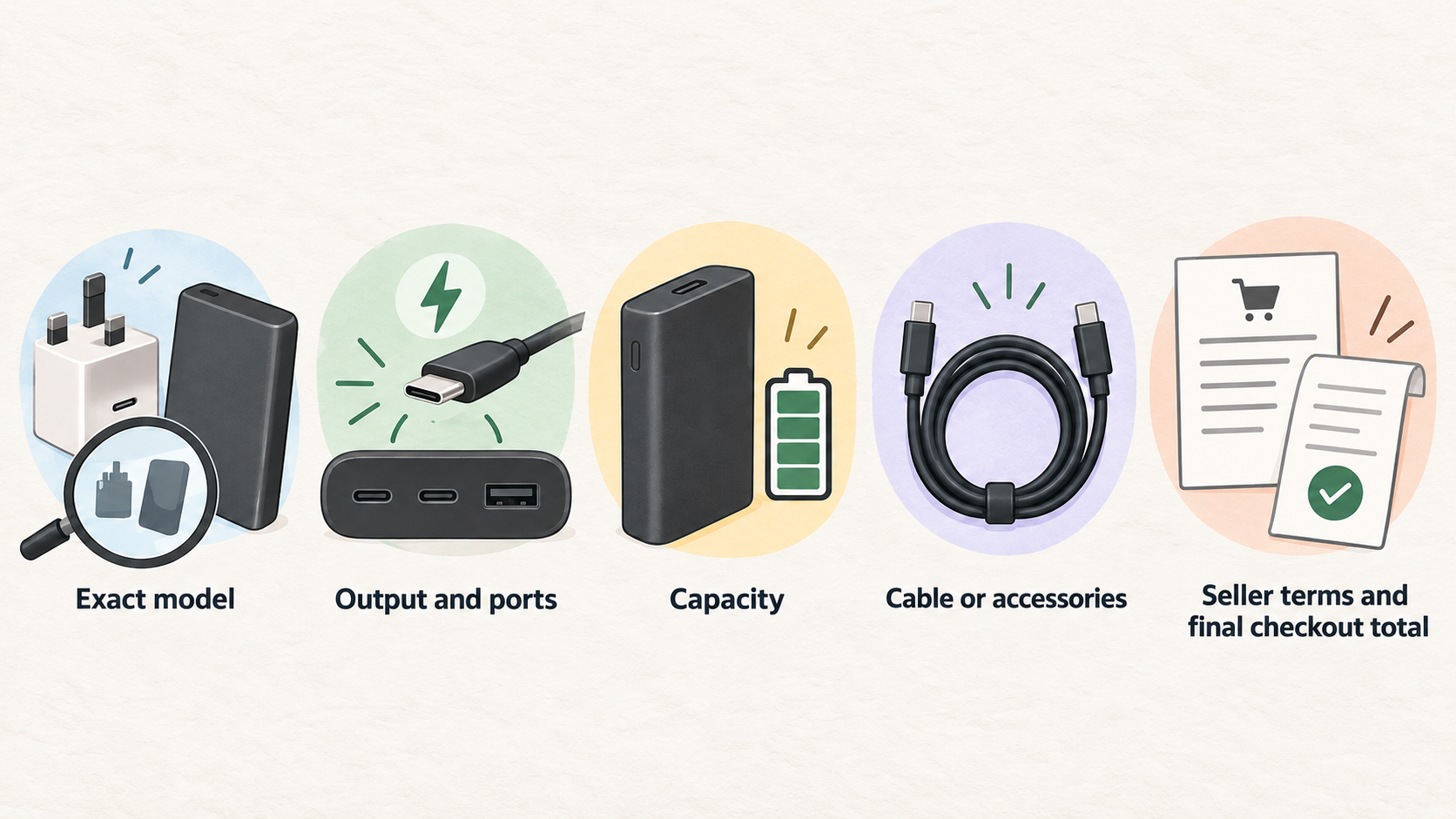
A USB-C charging deal is only useful when it lowers the cost of the product you would actually choose. Start with the exact model, then compare its output, ports, charging features, capacity, included cable or accessories, seller terms and final checkout total. A large discount label is not enough if the lower-priced item is a different configuration or fails to suit the devices you carry.
What Counts as a Genuine USB-C Charging Deal
AI-generated illustration — not a retailer product photo.
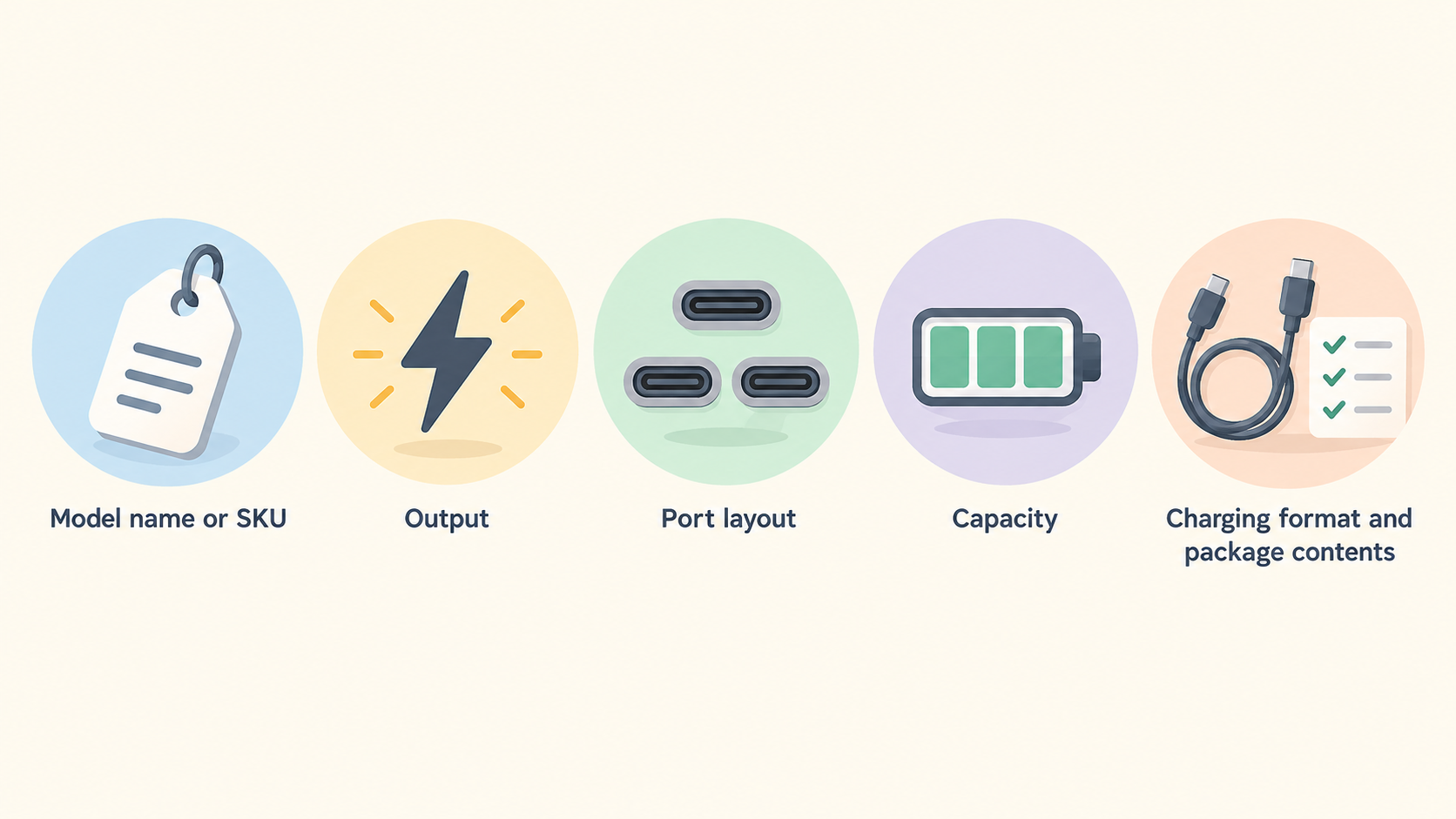
A genuine deal compares like with like. Record the full model name or SKU, then check the listed output, port layout, capacity, charging format and package contents on both the retailer page and the manufacturer’s current range. This prevents a single-port charger being treated as equivalent to a multi-port one, or a compact magnetic power bank being compared only by its headline capacity.
Current official ranges show why this matters. Belkin lets shoppers filter GaN chargers by PPS, USB-C Power Delivery and output count, including single, dual and three-or-more-output models. Belkin GaN charger range Baseus separates power banks by capacity bands and charging-speed bands, while its listings include magnetic, built-in-cable and higher-output options. Baseus power bank range
Treat the advertised percentage as a prompt to investigate, not as proof of value. The meaningful comparison is the final price for the exact configuration you intend to buy, from a seller whose delivery, returns and warranty terms you have read.
Match Charger Deals to Wattage Ports and Protocols
AI-generated illustration — not a retailer product photo.
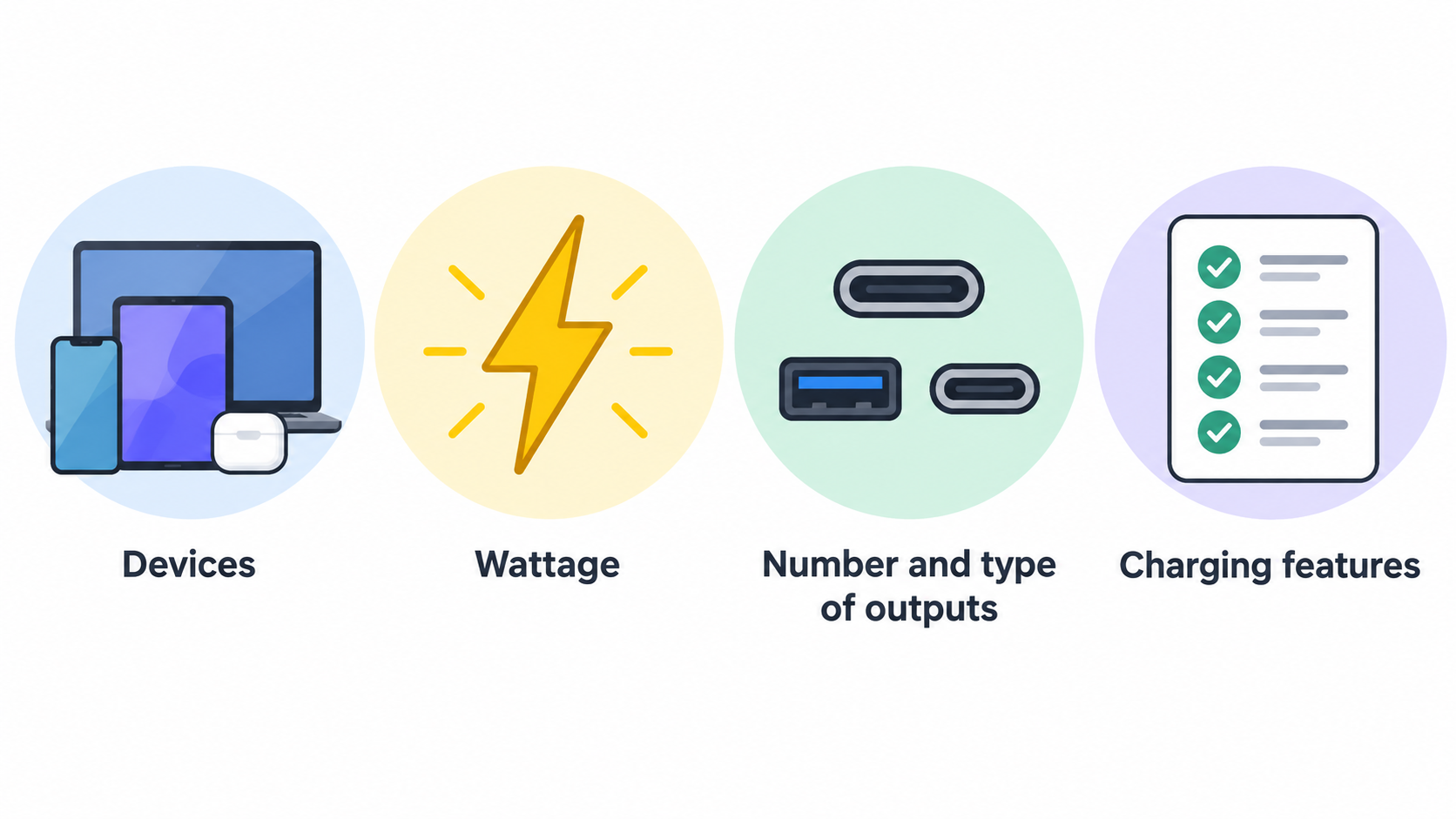
Begin with the devices you need to charge at the same time. A charger’s wattage is its stated power class, but a deal comparison should also include the number and type of outputs. A lower-priced charger may be ideal for one phone yet unsuitable if you also need to charge a tablet, laptop or another accessory.
Check whether the listing identifies the charging features that matter to you. Belkin’s current GaN range can be filtered for GaN Technology, Programmable Power Supply (PPS) and USB-C Power Delivery, as well as for single, dual and three-or-more outputs. Belkin GaN charger range Those labels do not make one option universally better; they give you specific fields to match against your device requirements and the competing listing.
For multi-port chargers, read the product page for how power is described when more than one device is connected. Confirm the ports you will use, whether they are USB-C or USB-A, and whether the advertised price applies to the plug version and cable bundle you need. Belkin’s range also identifies features such as laptop-charging compatibility, multi-port designs, foldable prongs and interchangeable plug tips. Belkin GaN charger range
A sensible deal decision is therefore practical: buy the compact single-device model when that is your real use case; pay for more ports or a higher power class only when they solve a documented need.
Compare Power Bank Deals Beyond Capacity
AI-generated illustration — not a retailer product photo.
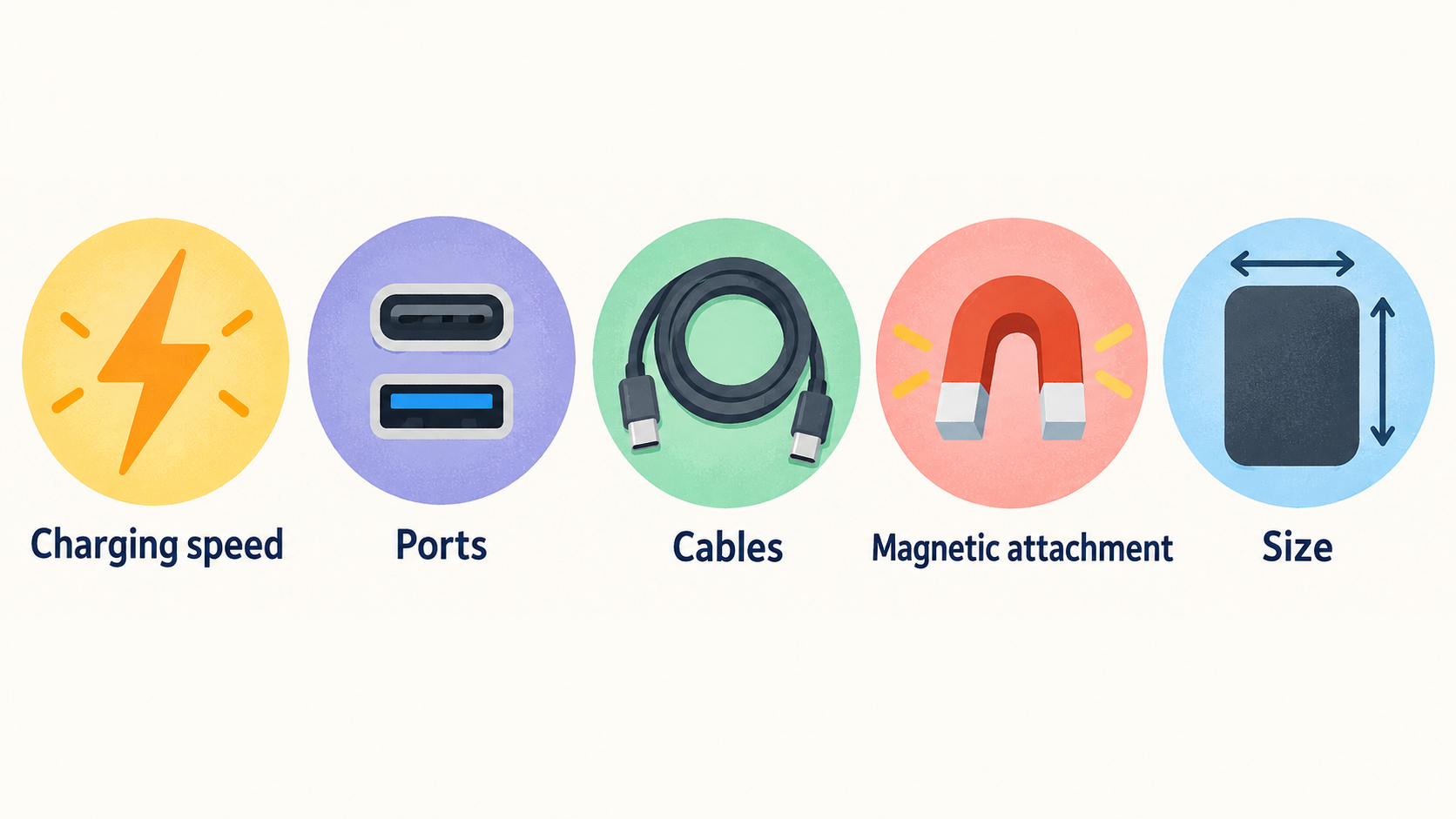
Capacity matters, but it is not the entire product. Two power banks with the same mAh figure can differ in charging speed, ports, cables, magnetic attachment, size and intended devices. Compare the exact listing rather than assuming that a 10,000mAh label describes the same experience across products.
Baseus’s official range illustrates the variety within a category: it offers filters for up to 10,000mAh and 11,000–20,000mAh, plus below-50W and 50–100W charging-speed bands. Its current listings include 5,000mAh magnetic models, 10,000mAh magnetic and built-in-cable options, and 20,000mAh models with higher stated outputs. Baseus power bank range The useful question is not simply “Which has more capacity?” but “Which combination of capacity, output and format fits this journey and these devices?”
Anker’s official range makes a similar distinction with capacity groups, USB-C and USB-A port types, charging-speed bands, and features such as PD, magnetic charging and built-in cables. Anker power bank range That means a compact magnetic pack, a cable-equipped travel bank and a laptop-oriented model should be evaluated as different configurations—even when a retailer presents them in the same promotion.
Before paying extra for a feature, decide whether you will use it. Magnetic charging may favour convenience; a built-in or retractable cable may reduce what you need to pack; a higher-output unit may suit a different device mix. Verify the exact model’s specification and box contents before treating those features as included.
Spot Deal Traps Before You Buy
The most common trap is an unequal comparison. Check whether the lower-price listing changes the port count, stated output, capacity, cable arrangement or charging format. A title that omits these details is not enough; open the specification and package-contents sections.
Also check who is selling the item. A marketplace offer can have different fulfilment, return, warranty or support conditions from a brand-direct or established retailer offer. Read the seller identity and the retailer’s terms before checkout, especially when the price difference is small. Anker’s official range highlights warranty and a 30-day money-back guarantee as brand-side protections, but those statements do not automatically establish what a different seller offers. Anker power bank range
Do not assume a promotional badge includes every required item. Verify whether a cable, travel adaptor, membership discount, coupon or shipping threshold is involved. Likewise, do not treat a current official range page as evidence that a retailer has the best market price: it helps identify configurations and features, while the retailer page and checkout screen establish that specific offer.
If the product identifier, specifications or terms cannot be confirmed, the safer decision is to skip the comparison and wait for a clearer listing.
Calculate the Real Saving on the Exact Model
Use a short, repeatable calculation:
- Identify the exact model and configuration you want, including capacity or wattage, port count, colour only where it changes price, and included cable or plug version.
- Note the manufacturer’s current configuration details from its official range, then compare the retailer’s product page field by field.
- Add the item price, delivery charge, required membership cost and any non-optional extras. Subtract only discounts you can actually use.
- Compare that checkout total with the normal price for the same configuration from a credible reference point, not with the price of a different model.
- Save or screenshot the retailer’s stated terms before completing the order if the promotion is time-limited.
Official catalogues are useful for the second step because they show meaningful product differences. Belkin distinguishes charger outputs and charging technologies; Baseus and Anker distinguish capacity, charging-speed, port and feature categories. Belkin GaN charger range Baseus power bank range Anker power bank range
A bundle, voucher or free-delivery threshold can still be worthwhile, but describe it accurately. It is a conditional saving, not necessarily a lower standalone price. If you must buy something else, join a programme or accept a different configuration to unlock it, include that condition in your decision.
Use a Final Deal Verification Checklist
Before paying, run through this checklist:
- Does the model identifier match the charger or power bank you compared?
- Are the stated wattage, ports and charging features right for your devices?
- For a power bank, are capacity, output, magnetic format and cable arrangement the ones you need?
- Does the package include the cable, plug or accessory you expected?
- Is the seller clear, and have you read delivery, returns and warranty terms?
- Is the final checkout total still attractive after delivery, coupons and membership conditions?
For a phone-only buyer, a compact configuration may be the better deal when it covers a single-device routine. For someone charging several devices, compare output count and the stated multi-device arrangement. For laptop or travel use, focus on the required power class, ports, size and cable plan rather than the largest discount badge.
Use the fields that manufacturers publish to make the comparison concrete, then walk away when the listing leaves a material field unclear.
Ready to compare an offer? Use the USB-C charging deals checklist before checkout.
Frequently Asked Questions
Are higher wattage USB-C chargers always a better deal?
No. A higher stated wattage can be relevant for a different device mix, but it is only better value if you need that configuration. Compare the output, port count and charging features with your devices; Belkin’s official range itself separates single, dual and three-or-more-output products as well as PPS and USB-C Power Delivery filters. Belkin GaN charger range
Is a 10,000mAh power bank always equivalent to another 10,000mAh model?
No. The same nominal capacity can appear in magnetic, built-in-cable and different stated-output formats. Baseus lists 10,000mAh models with different magnetic, cable and wattage descriptions, while Anker also separates products by charging speed, ports and features. Baseus power bank range Anker power bank range
Should I buy a charger or power bank from a marketplace seller?
It can be a valid purchase, but verify the seller, fulfilment, final total, returns and warranty terms first. Do not assume that protections promoted on a manufacturer’s own site apply to every marketplace listing.
Do built-in cables and magnetic charging justify a higher deal price?
They can, if they solve a real packing or charging need. They are configuration features, not automatic proof of better value. Compare their inclusion, the stated output and the final price against the alternative you would genuinely buy.
Sources
Related reading
- Belkin USB-C chargers review: practical buying assessment
- How to choose a USB-C charger or power bank for your devices
- USB-C chargers and power banks explained: wattage, ports, capacity and charging protocols
- When to buy USB-C chargers and power banks for better value
Editorial information: About our editorial team · Read our editorial policy · Read our affiliate disclosure.