AI-generated illustration — not a retailer product photo.
A charger or power bank is worth buying when it fixes a documented gap in your everyday setup—not simply because it has a newer label or a tempting sale tag. Compare the power, ports, portability, accessories and support you actually need before deciding.
Start With Your Devices and Charging Routine
AI-generated illustration — not a retailer product photo.
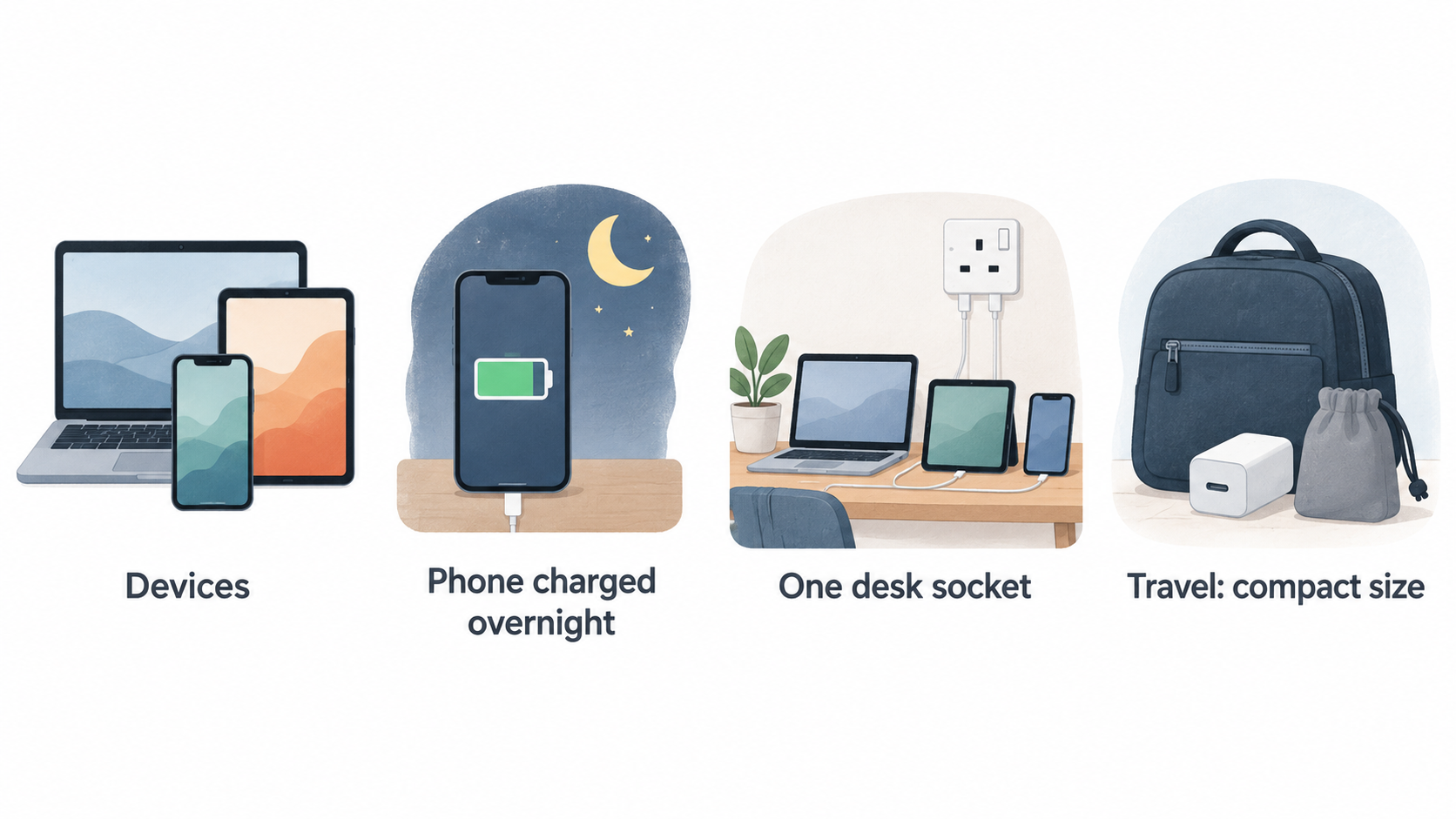
Start with the devices you need to cover on an ordinary day. A phone charged overnight creates a different requirement from a laptop, tablet and phone that must all share one desk socket. Travel changes the picture again: compact size, foldable prongs or interchangeable plug tips may matter more than having the highest possible output.
Current charger ranges make those choices practical rather than unusual. Official category listings include USB-C chargers, GaN chargers, charging stations and portable chargers or power banks, with options for single, dual and three-or-more outputs. Anker’s current charger range also separates wall and desktop formats, USB-C and USB-A connections, and configurations from one port to more than three. That breadth is useful because it gives shoppers a reason to define the job first instead of treating every charger as interchangeable.
For a wall charger, list the devices likely to be connected together and where you will use it. For a power bank, add how long you need to be away from a socket, the capacity you can carry comfortably and whether you need to charge more than one device. A compact charger can be the sensible choice for a single phone; a desktop station may be more useful where several devices live permanently.
The right purchase is therefore the category that removes a real inconvenience: too few ports, an unsuitable connection, inadequate portable capacity or too many separate adapters. If your current gear already covers those situations safely and compatibly, there may be no value in replacing it yet.
Buy When a Specification Gap Is Holding You Back
AI-generated illustration — not a retailer product photo.
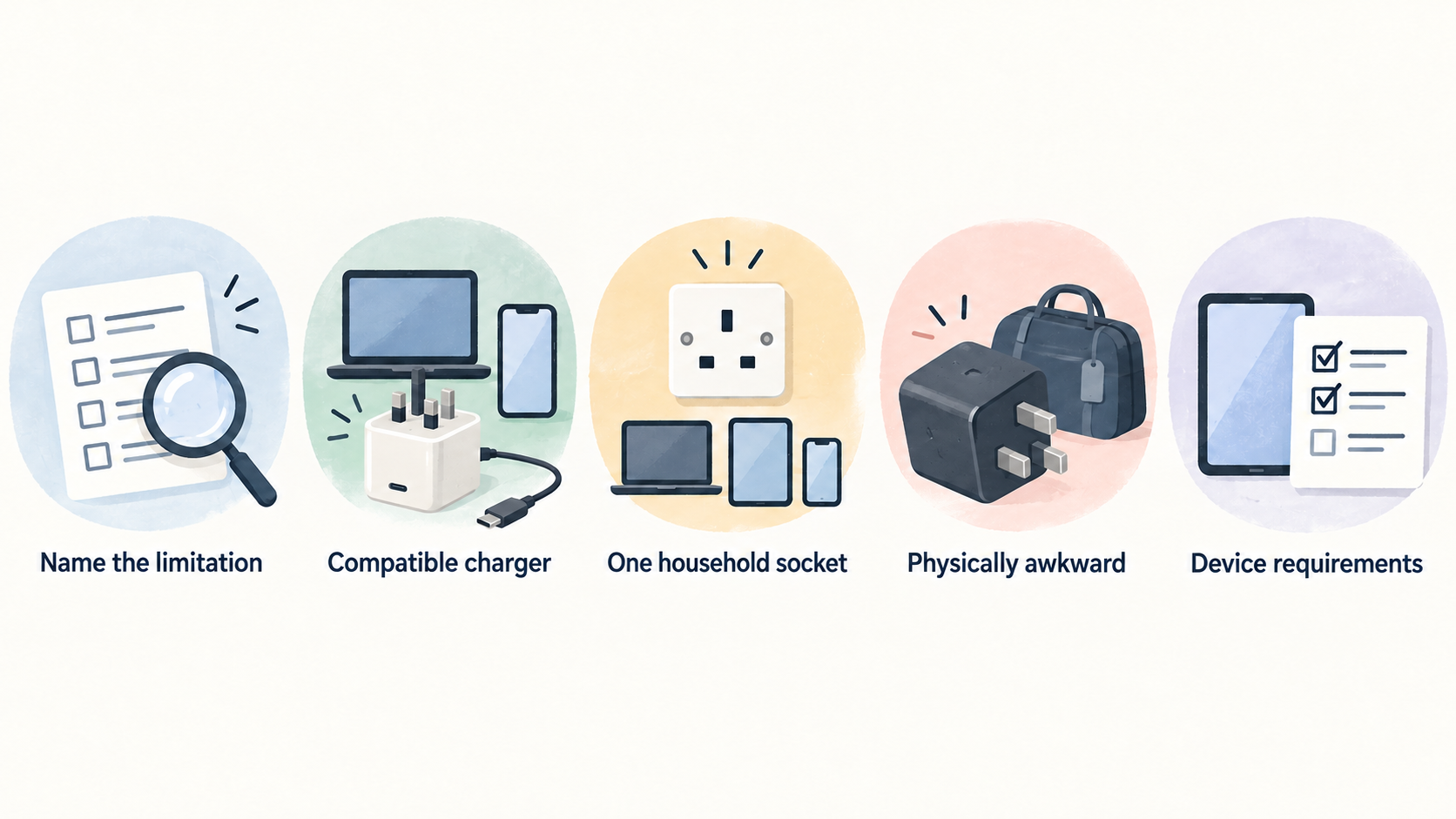
Buy when you can name the limitation. Perhaps your laptop needs a compatible charger but your existing adapter is only suitable for a phone. Perhaps one household socket is serving several devices and you repeatedly need to choose which one to charge. Or perhaps your travel charger is physically awkward even though it still works.
Useful specifications begin with the device requirements, then move to the charger. Check the documented input and charging guidance for each device, the charger’s total output and the number and type of ports. A higher maximum wattage is not automatically better if none of your devices can use it or if you will normally charge only one low-power device.
Protocol labels are checks, not upgrade slogans. Current official charger categories include GaN technology, USB-C Power Delivery and PPS, while Ugreen describes chargers ranging from pocket-sized travel models to multi-port models with intelligent power distribution. These labels can help you narrow options, but they do not replace checking whether the specific charger, cable and device work together as required.
Multi-device use deserves particular care. A charger with several ports may be a better way to reduce adapter clutter, but the relevant figure is not only its headline maximum. Read the manufacturer’s simultaneous-use information and port allocation details. That tells you whether the setup still meets your needs when more than one device is connected.
Choose a specification upgrade when it solves a repeated problem: insufficient compatible output, too few ports, unsuitable portability or an inability to charge the devices you actually carry. Otherwise, retain the working setup and put the money towards a future need.
Compare Total Setup Cost Rather Than the Sale Tag
A lower product price is not necessarily the lower cost of getting a usable setup. Before comparing offers, write down what must be in the finished arrangement: charger or power bank, the appropriate cables, any travel plug solution, and the support coverage you expect after purchase.
Then compare like for like. A multi-port charger may replace several adapters, but only if its ports, output behaviour and included contents suit the devices you intend to connect. A lower-priced charger that requires an additional cable or adapter can cost more once the missing pieces are added. The same logic applies to power banks: the useful comparison includes capacity, ports, cables and how you plan to carry it.
Check the product page and retailer terms for exactly what is supplied, the return conditions and the warranty or support information. Official category pages show that charger ranges can include features such as interchangeable plug tips and laptop compatibility, but availability and package contents vary by product. Do not assume that a pictured cable, plug tip or accessory is included.
Avoid treating a bundle as a saving until every item has a role. If the bundle adds accessories you will not use, a simpler compatible setup may be better value. Conversely, buying the charger and necessary accessories together can be sensible when it avoids a later purchase caused by a missing cable or unsuitable connector.
The comparison is complete only when the resulting setup covers your actual devices, not when the sticker price appears lowest.
Recognise the Moments When Buying Now Makes Sense
The strongest reason to buy now is a change in circumstances. A new laptop or tablet can expose a compatibility or port gap. An upcoming trip can make a compact charger, a compatible power bank or a travel-oriented plug design more useful. Replacing a failed charger is also different from upgrading a working one for novelty.
Consolidating several adapters can be another valid trigger when it makes a desk, shared room or travel bag easier to manage. Current official ranges include wall chargers, desktop chargers, multi-port options and high-output formats, so it is reasonable to compare the configuration that matches the new routine before purchasing. Baseus’s current category, for example, lists charger and desktop-station formats across multiple output and port arrangements.
Treat timing as conditional rather than calendar-driven. Product lines, available configurations, bundles and retailer prices can change. If a need is immediate, choose using current documented specifications and purchase terms. If your present setup still works and the need is uncertain, wait until you can describe the limitation that a replacement must solve.
Before buying, check that the new charger or power bank serves the devices you own now and any near-term device change you already know about. This prevents a purchase made for one temporary situation from becoming another unused adapter.
Know When Waiting Is Better Value
Waiting is usually better value when your existing charger is functioning, compatible and convenient enough for your real routine. A newer GaN label, a larger maximum wattage or a discount headline is not proof that you need to replace it.
Be especially cautious with headline output figures. Multi-port chargers can distribute available power across connected devices, and Ugreen explicitly describes intelligent power distribution in its multi-port range. Check the documented simultaneous-use behaviour before assuming every connected device will receive its maximum charging rate. A cable can also be the limiting component, so verify the complete chain rather than judging the charger in isolation.
The same restraint applies to power banks. More capacity can mean more potential charging away from a socket, but it can also affect size and weight. If you rarely run out of power when travelling, a larger unit may add cost and bulk without solving a genuine problem.
Keep a charger if it safely meets your documented device requirements, has the ports you need and does not create recurring friction. Wait if you cannot identify a real benefit from the replacement. Use the time to compare current specifications, included contents and support terms, then revisit the choice when a device change, travel plan or limitation gives you a clearer brief.
Use a Simple Value Checklist Before You Buy
AI-generated generic editorial illustration — not a retailer product photo and does not depict the reviewed product or service. Make the total-setup-cost checklist scannable before readers compare offers.
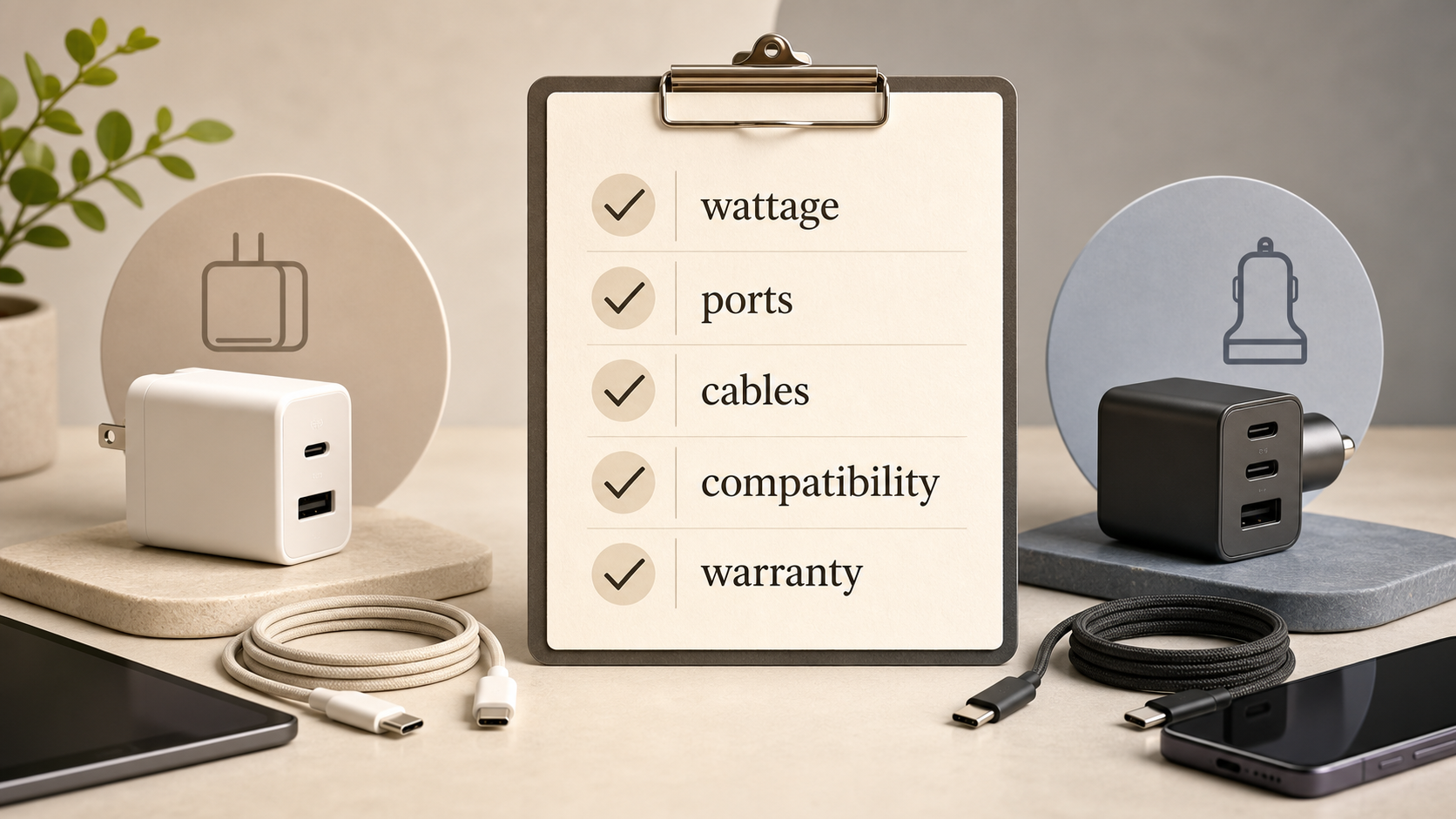 Use one checklist for every offer. It makes a sale page easier to assess and prevents an attractive headline from hiding a missing requirement.
- Devices and connections: List every phone, tablet, laptop or accessory you expect to charge, along with the connection each needs.
- Output and ports: Identify the documented target wattage, the ports required at the same time, and the charger’s stated simultaneous-use behaviour.
- Protocol and cable fit: Check USB-C Power Delivery, PPS or other relevant specifications against the device guidance. Confirm that the cable is appropriate too.
- Power-bank needs: For portable charging, compare capacity, physical size, weight, number of outputs and how long you expect to be away from mains power.
- Practical format: Decide whether a wall charger, desktop charger or charging station best suits home, work or travel. Consider foldable prongs or interchangeable plug tips only where they are genuinely useful.
- Complete cost: Record the price of every cable, adapter or travel accessory not included.
- Purchase protection: Read the stated warranty, support and return terms before ordering.
Save the specifications for the final candidates and compare equivalent configurations side by side. Official ranges show that both compact and multi-port formats are established choices, but only your device list determines which configuration is value for money.
Use this checklist again if the offer changes. It gives you a consistent answer to the important question: does this exact product, with these included items and these terms, solve the charging problem you have today?
Frequently Asked Questions
Should I replace a charger just because a newer GaN model is available?
Not necessarily. GaN is a specification signal that can support compact charger designs, but a newer model is worthwhile only if it fixes a documented problem such as portability, compatible output or port availability. Keep a working charger when it already meets your needs safely and conveniently.
How do I decide whether a multi-port USB-C charger is worth the extra cost?
List the devices you charge together, then check the port types and the manufacturer’s stated power allocation during simultaneous use. It can be worthwhile if it replaces several adapters without compromising the charging you need. It is poor value if you rarely use the extra ports or still need separate equipment for the important devices.
What should I check before buying a USB-C power bank for travel?
Check capacity, size, weight, output ports, cable needs and compatibility with the devices you will carry. Also consider how long you expect to be away from mains power. A larger capacity is not automatically better if its weight or size makes it impractical for the trip.
Are bundled cables and accessories always better value?
No. Check the exact included contents, whether each item is compatible and whether you would otherwise buy it separately. A bundle is useful when it completes the setup you need; it is not a saving merely because it contains more items.
Ready to compare your device requirements against a charger or power-bank setup?
Sources
Related reading
- Best USB-C chargers and power banks: evidence-led picks for phones, tablets and laptops
- Belkin USB-C chargers review: practical buying assessment
- How to choose a USB-C charger or power bank for your devices
- How to identify genuine USB-C charger and power bank deals
Editorial information: About our editorial team · Read our editorial policy · Read our affiliate disclosure.